
NexBot
The next generation of bots for vSRO 1.188: free and open source
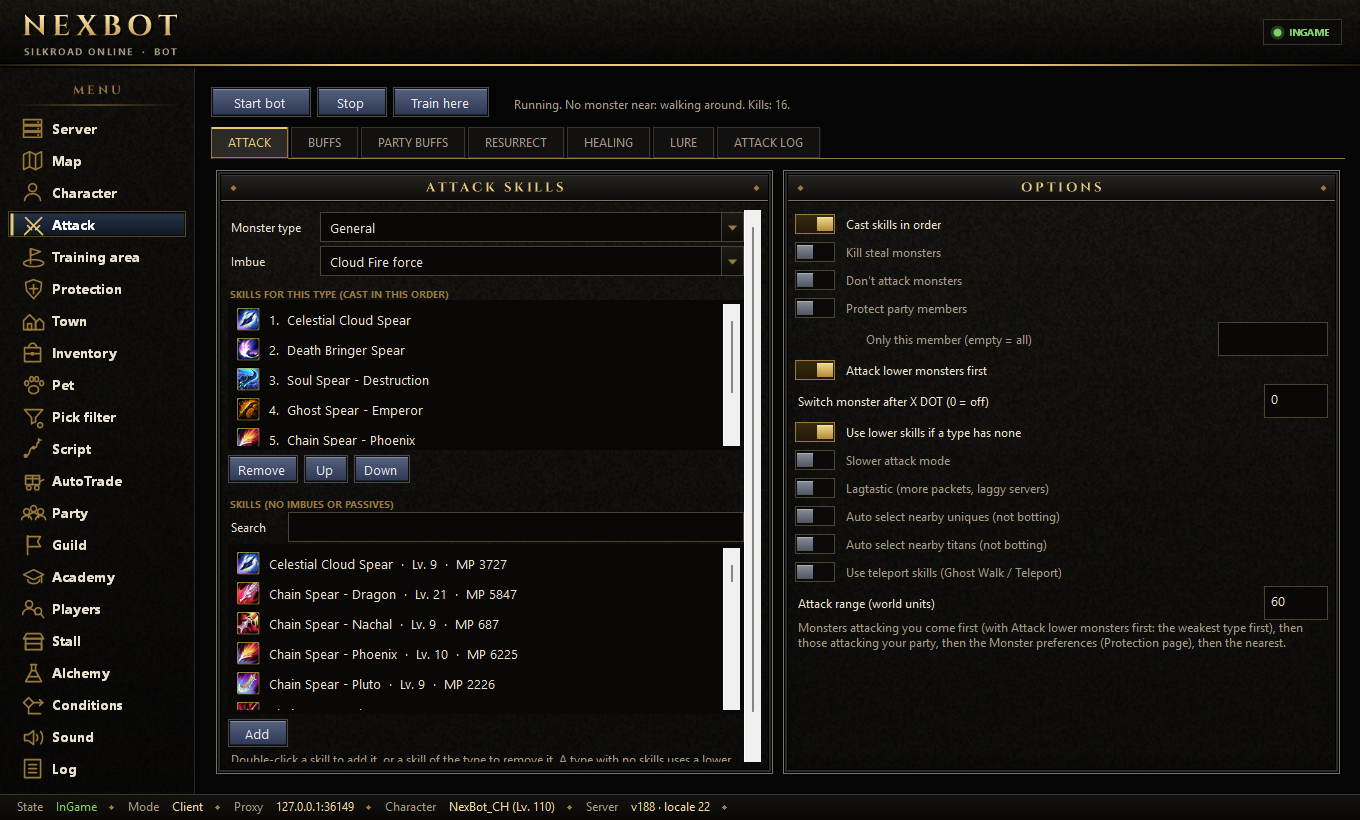
https://raw.githubusercontent.com/aomarabdelaziz/NexBot/main/docs/guide/screenshots/attack.png
Source code (GitHub) • User guide
The next generation of bots for vSRO 1.188: free and open source
https://raw.githubusercontent.com/aomarabdelaziz/NexBot/main/docs/guide/screenshots/attack.png
Source code (GitHub) • User guide
Why NexBot?
I built NexBot so everyone has a free alternative to the paid bots. You shouldn't have to pay to bot on your favourite private server. NexBot already covers almost everything the paid bots offer, and I'll keep improving it.
What is it?
NexBot is a next-generation Silkroad bot for vSRO 1.188, written from scratch in modern C# (.NET 10). It handles hunting, protection, the town loop, pets, scripts, trading, stalling, alchemy and more.
It runs with the game client (through its own loader and proxy) or clientless. You can switch to clientless at any time and the character stays online. The interface follows the game's own look, and the menus are laid out like the bots you already know, so they'll feel familiar.
Features
Screenshots
Attack – skills per monster type
Attack – Buffs
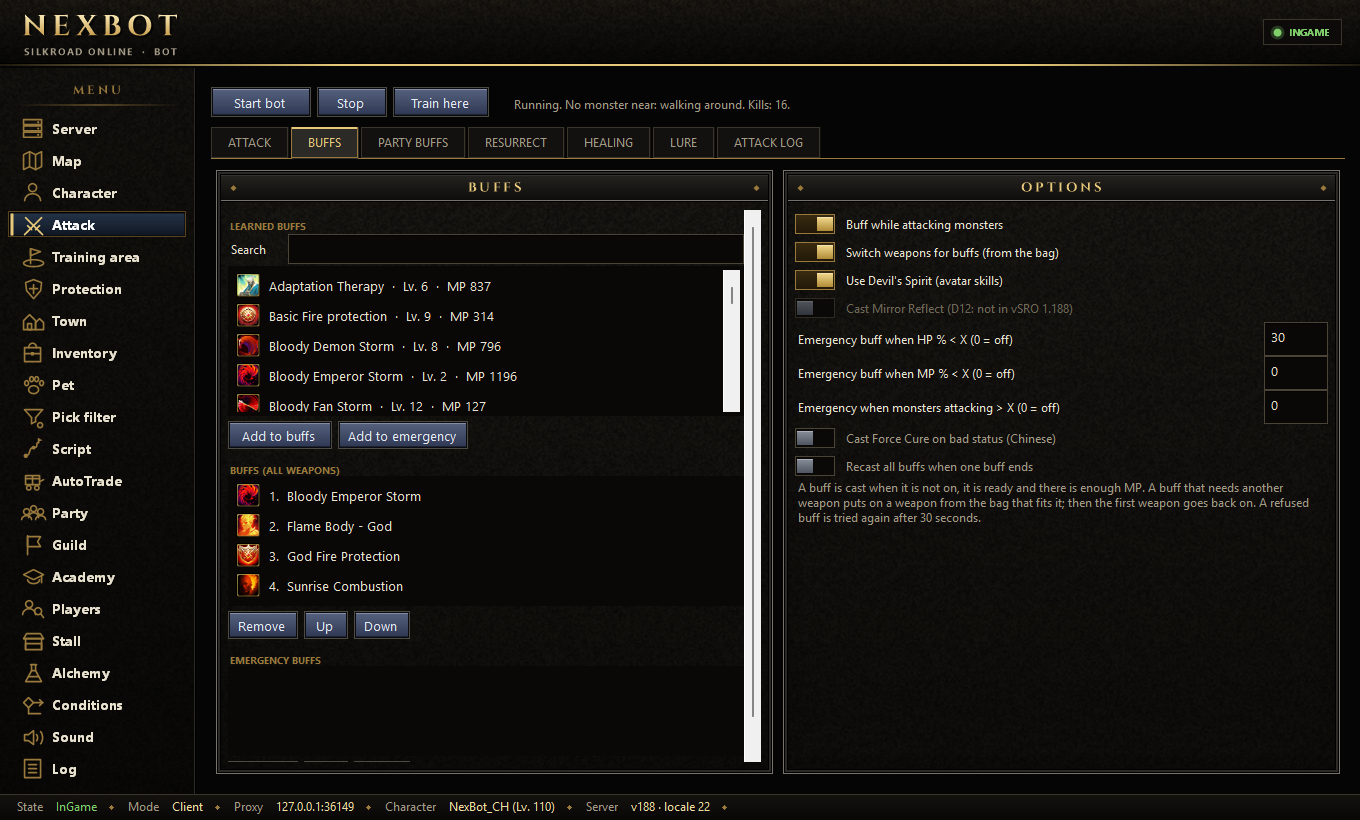
Attack – Party buffs
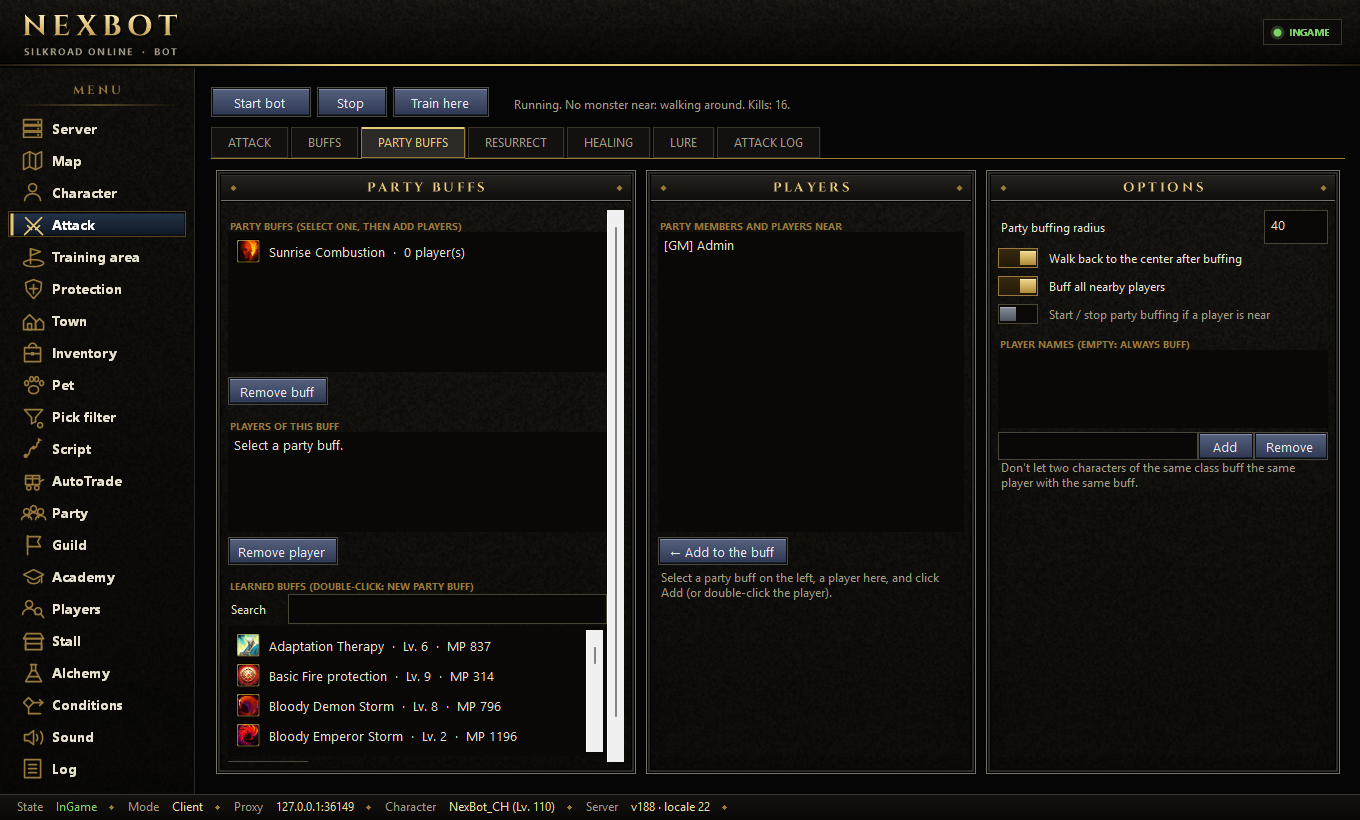
Attack – Resurrect
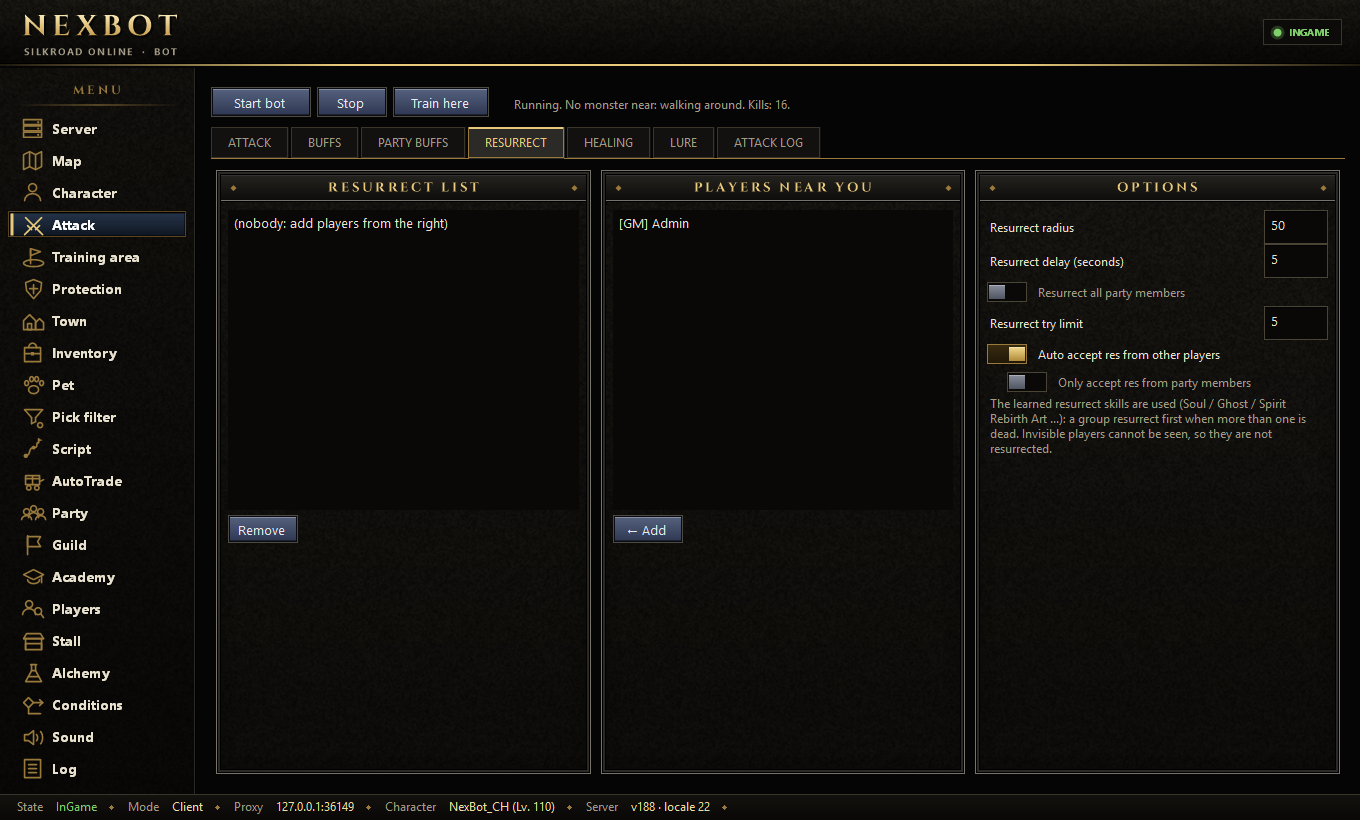
Attack – Healing
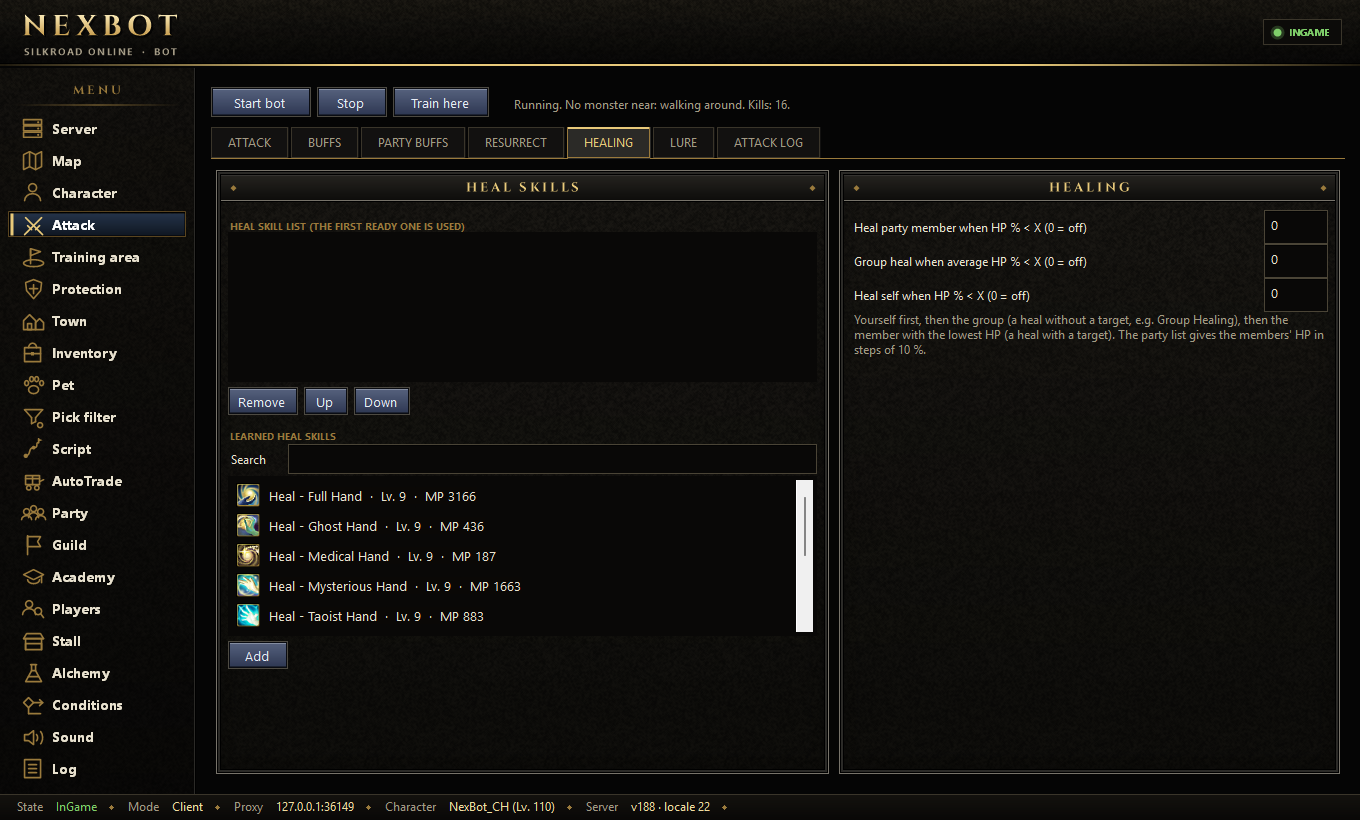
Attack – Lure
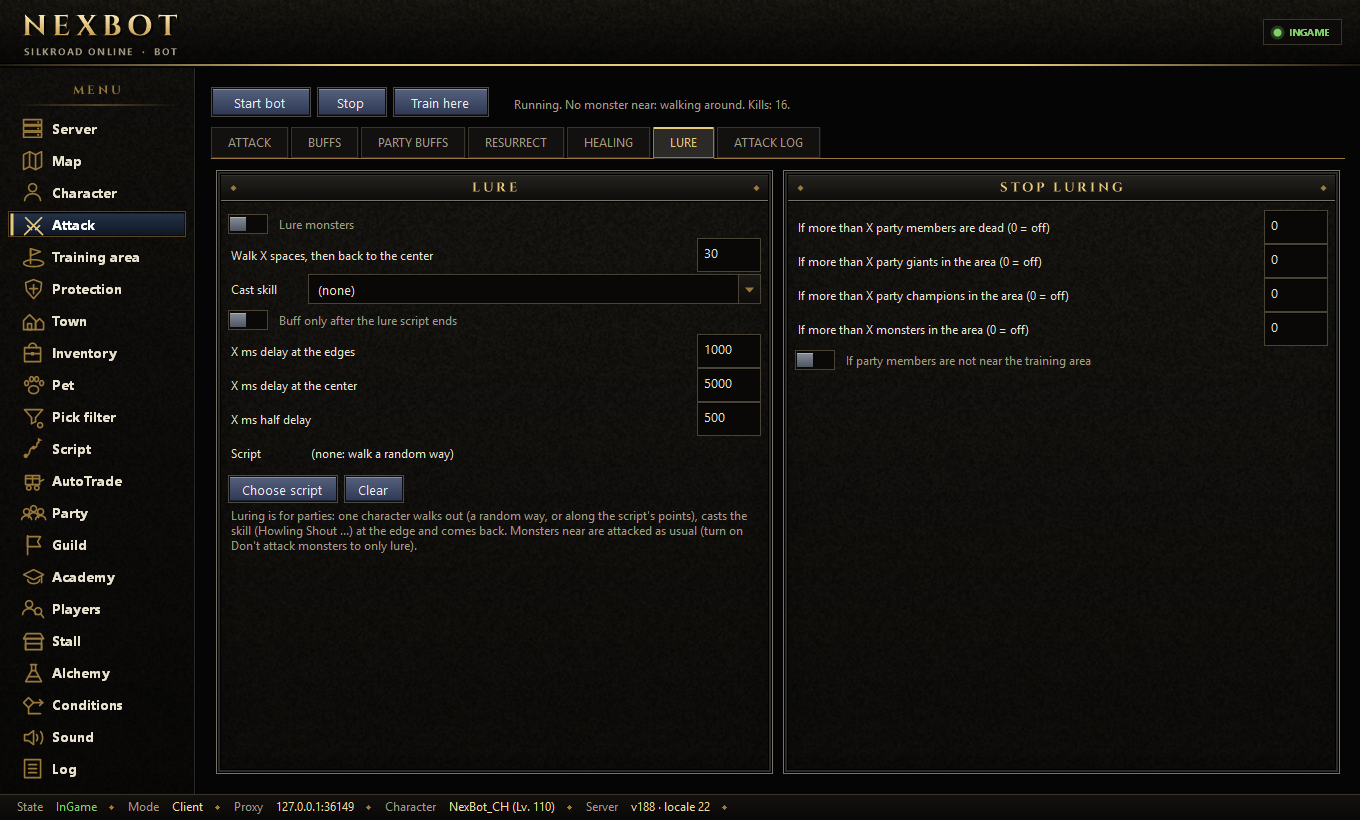
Attack – Attack log
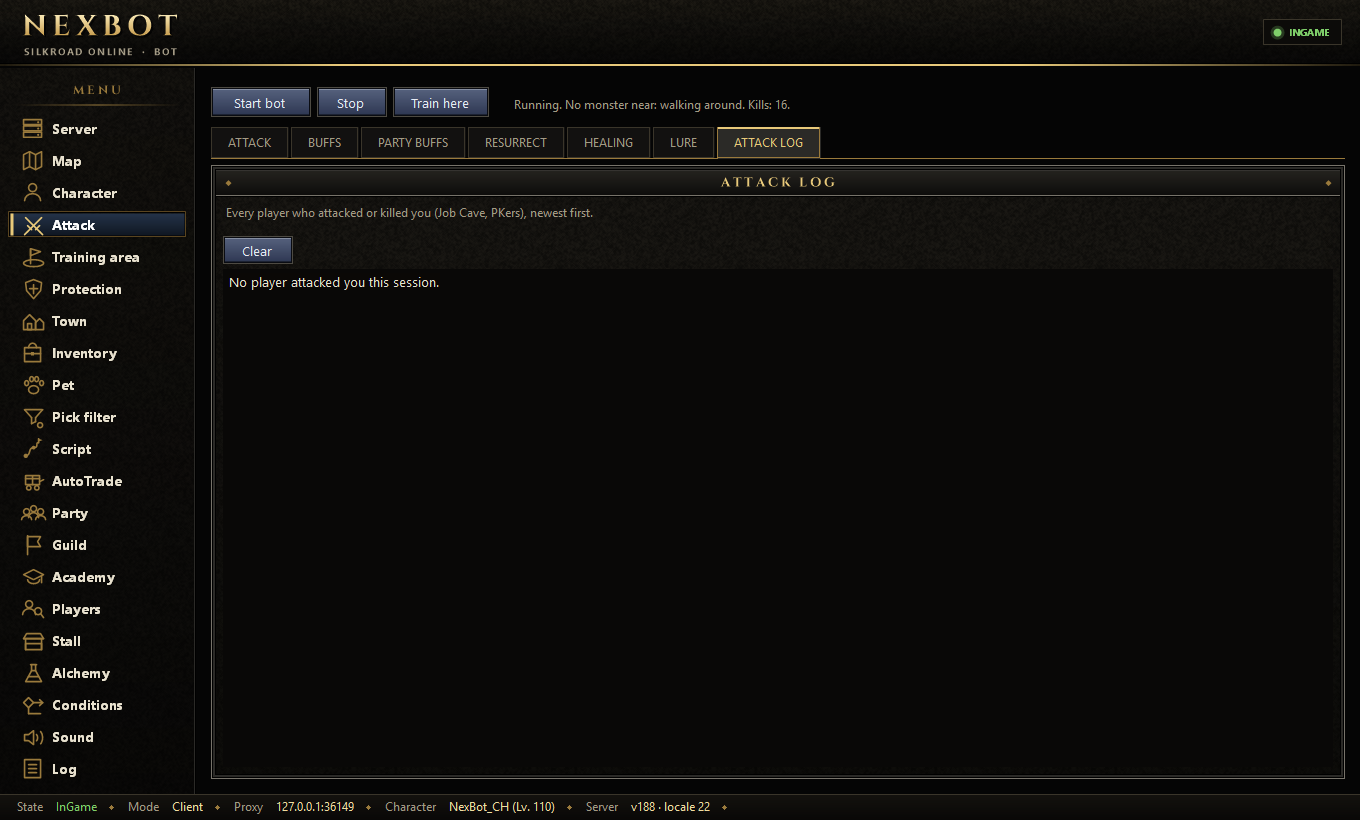
Training area
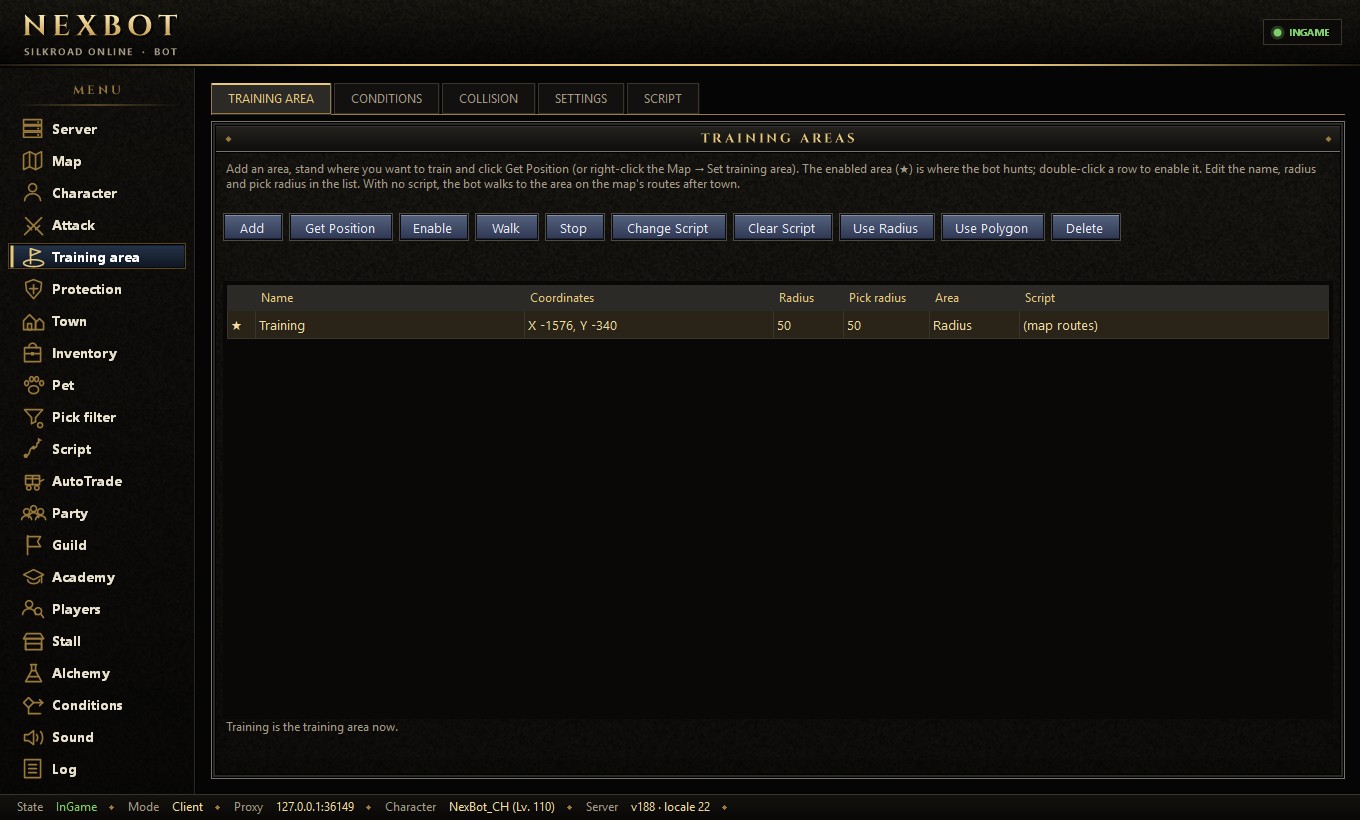
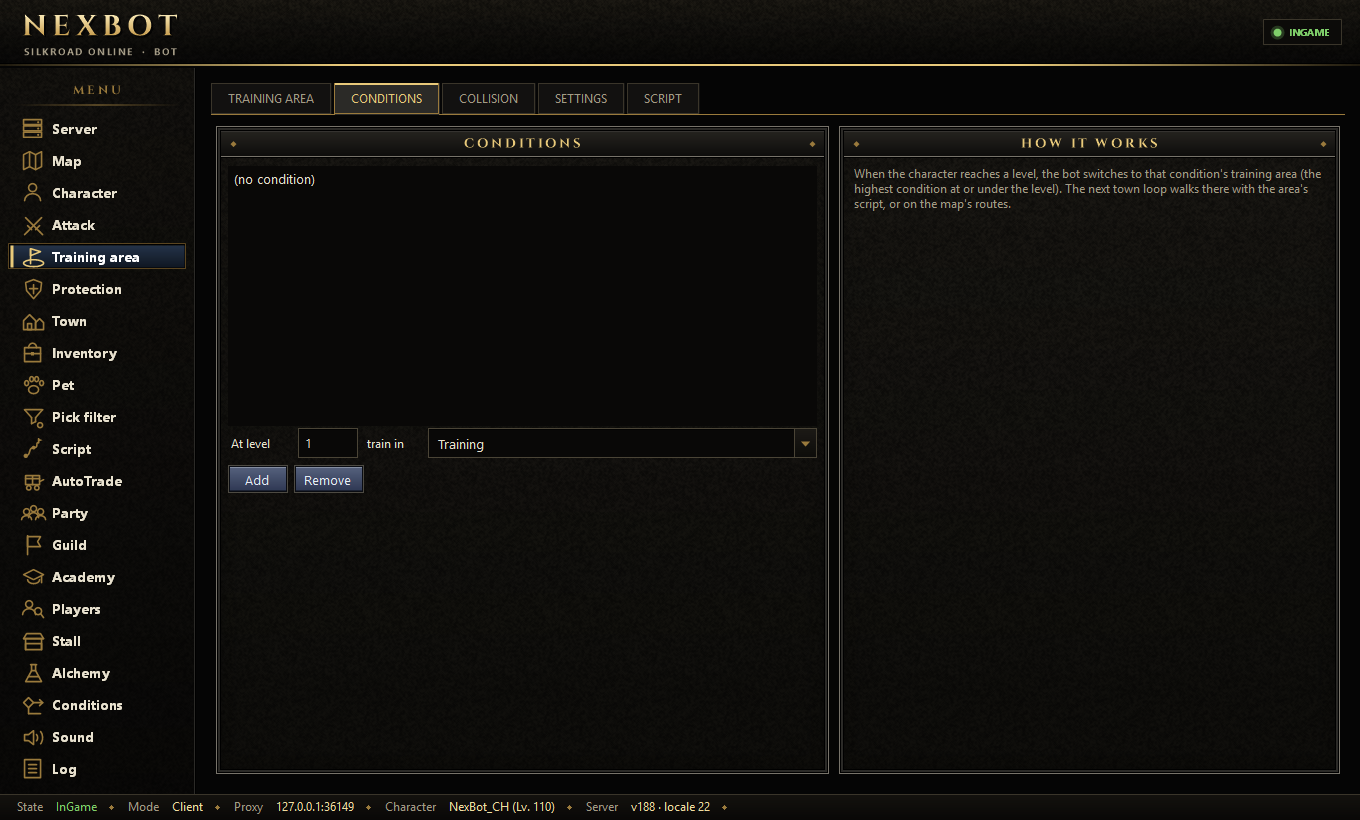
Training area – Conditions
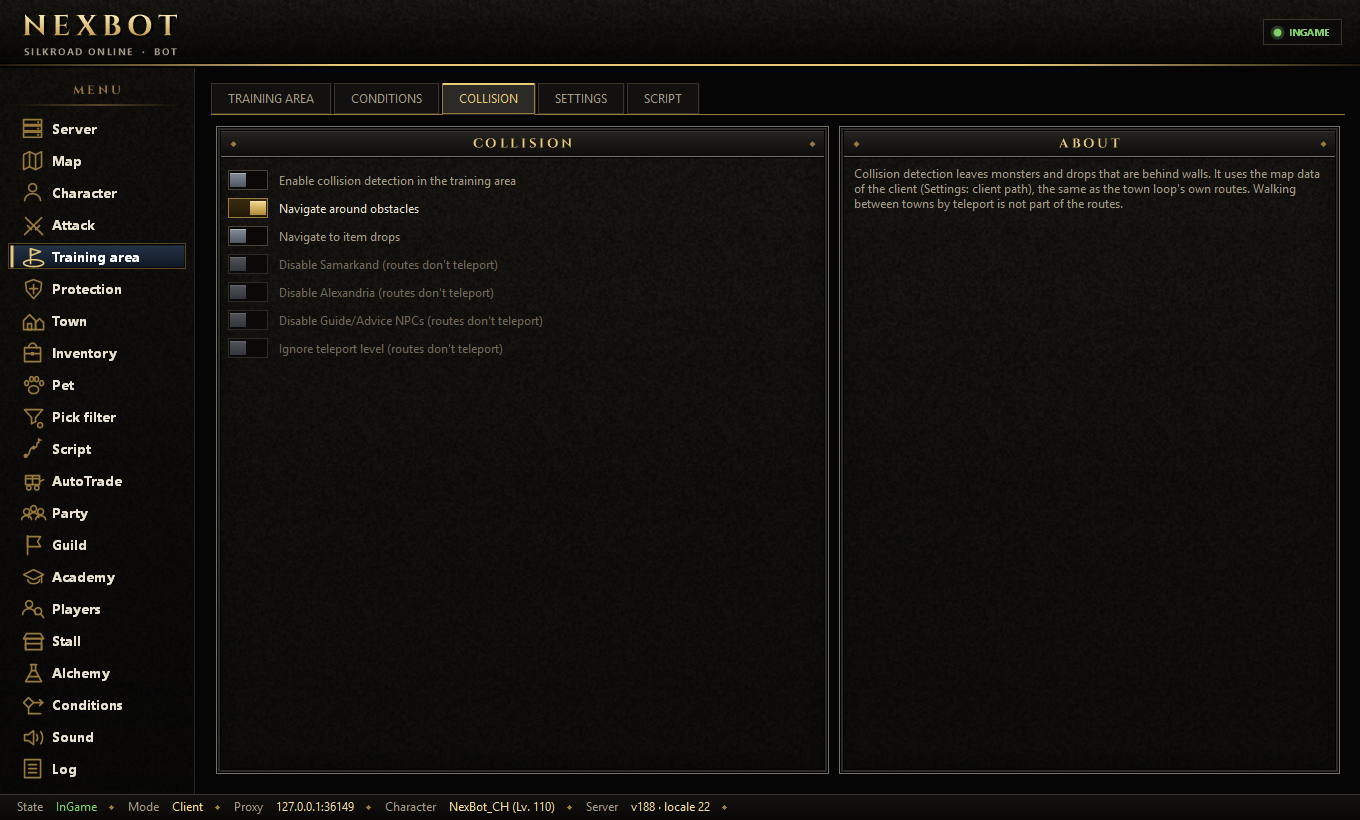
Training area – Collision
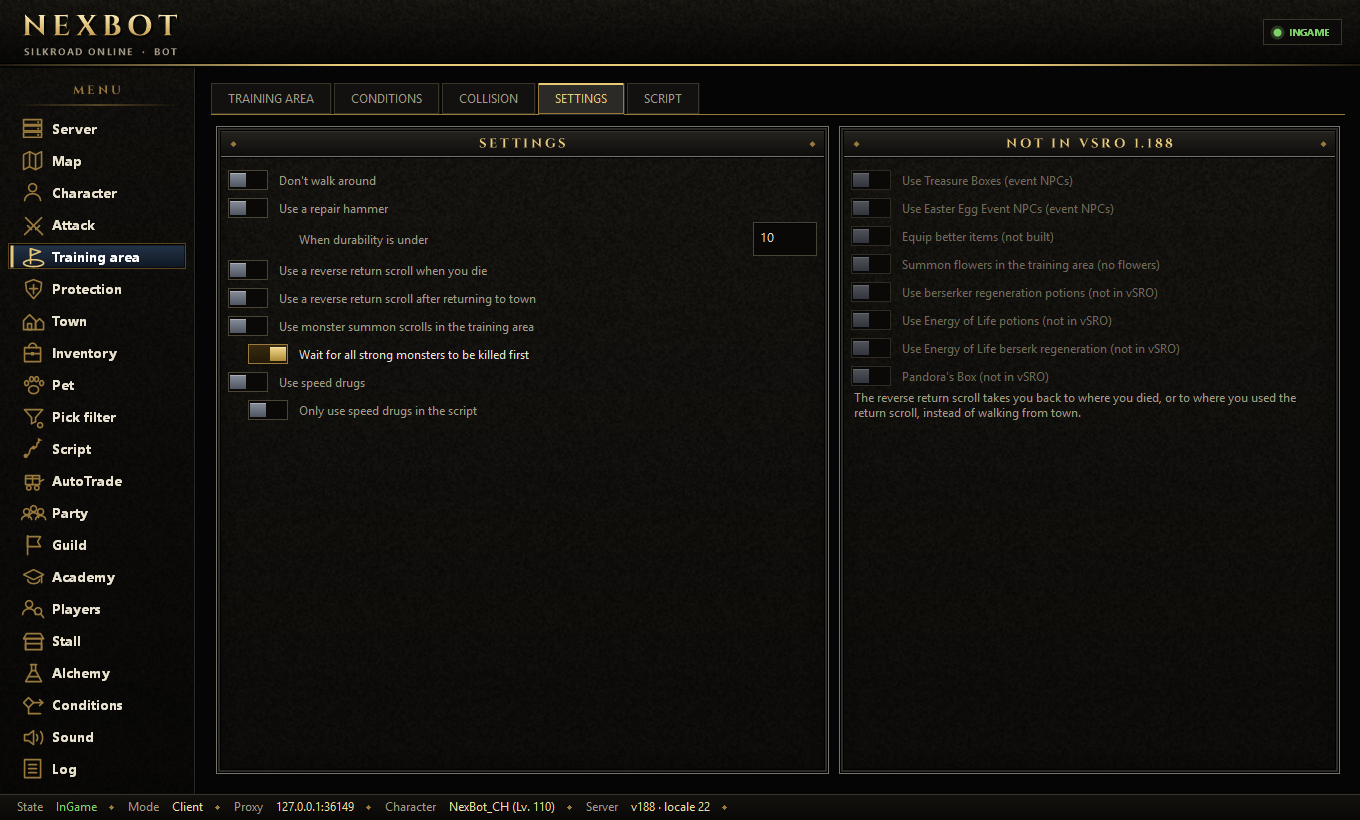
Training area – Settings
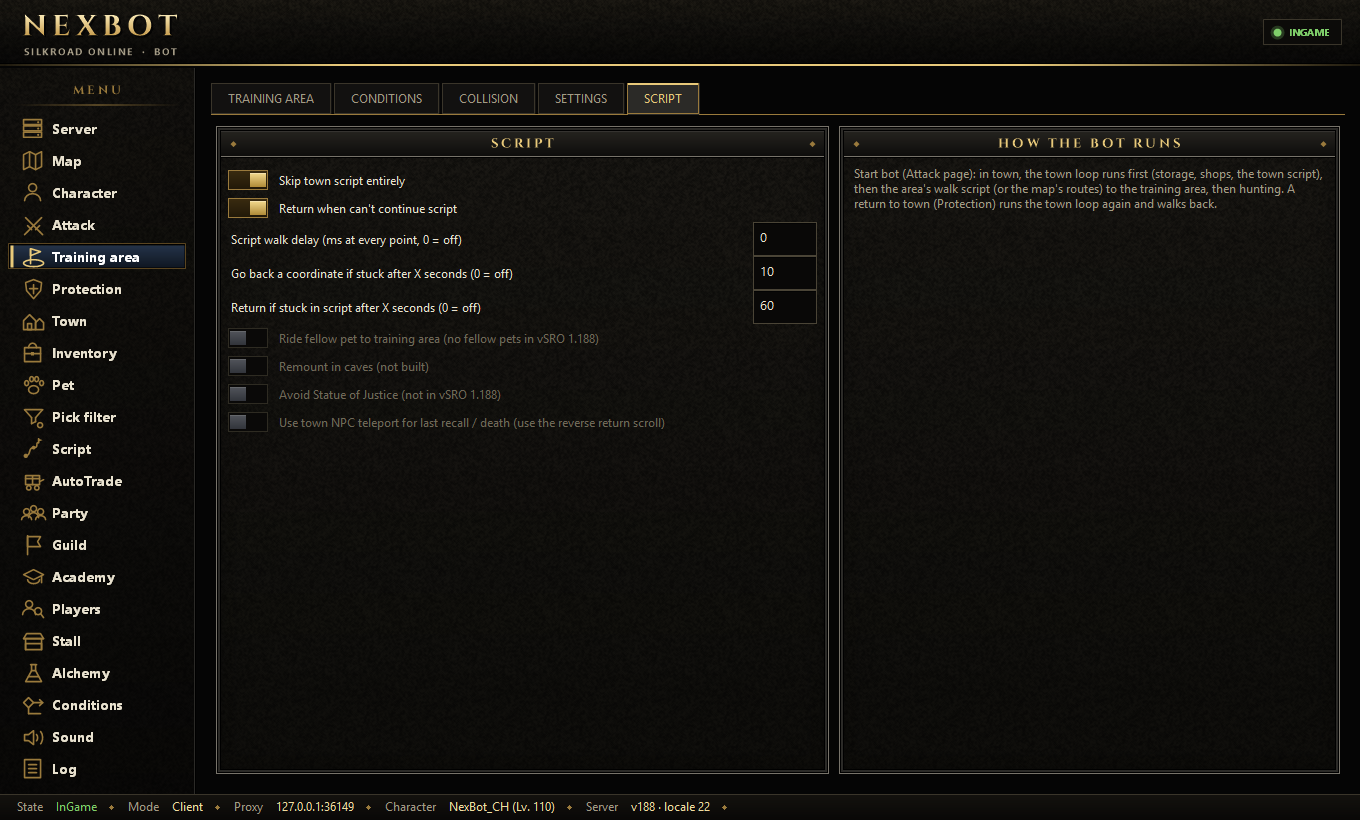
Training area – Script
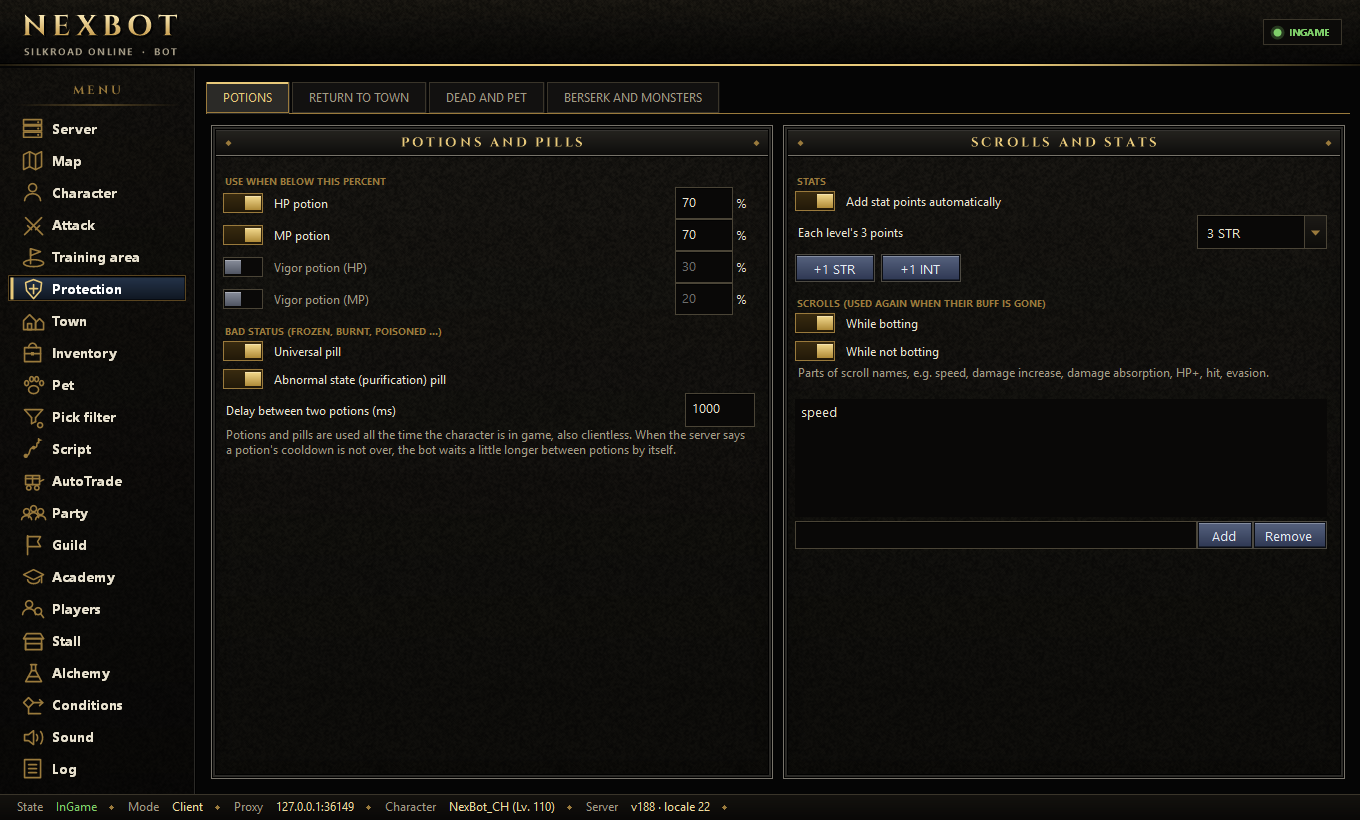
Protection – Potions
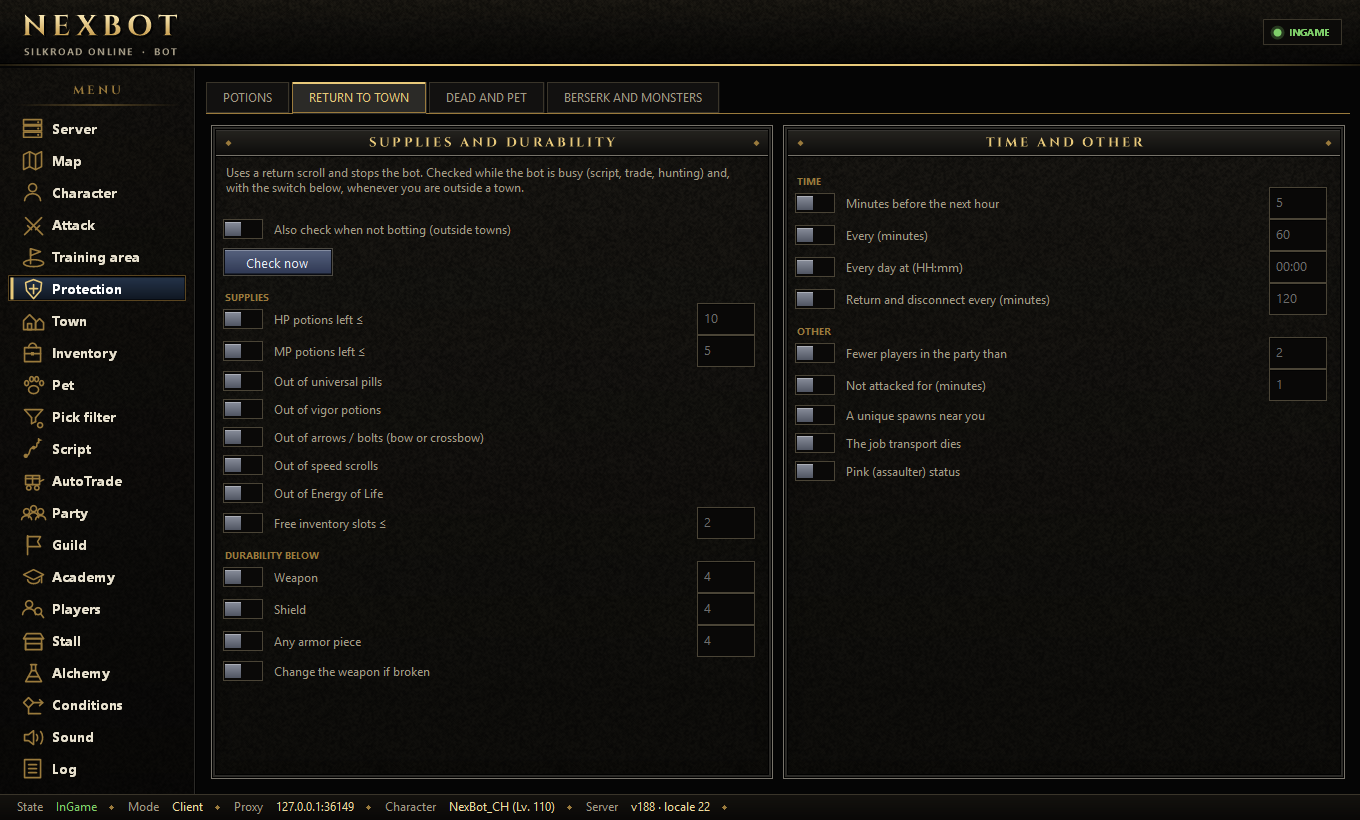
Protection – Return to town
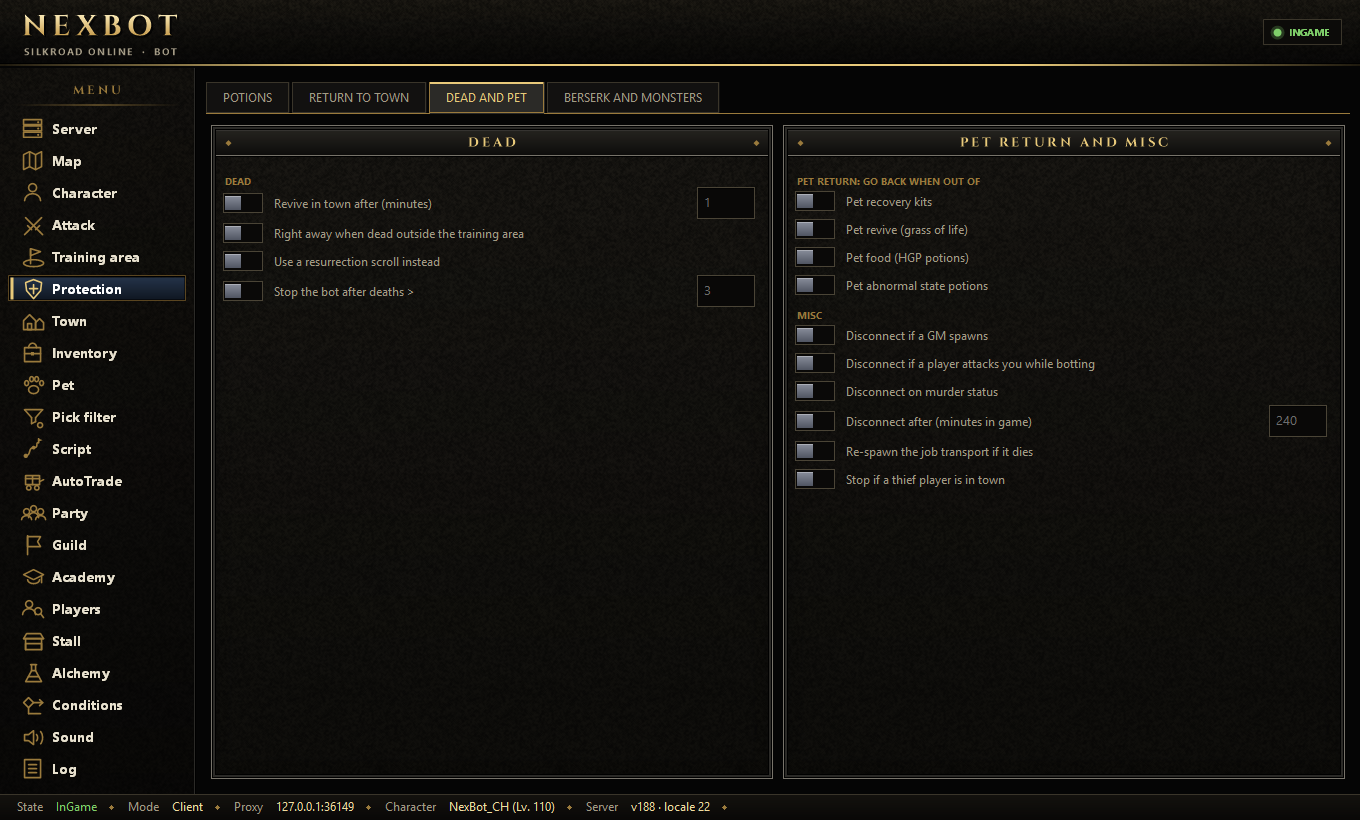
Protection – Dead and pet
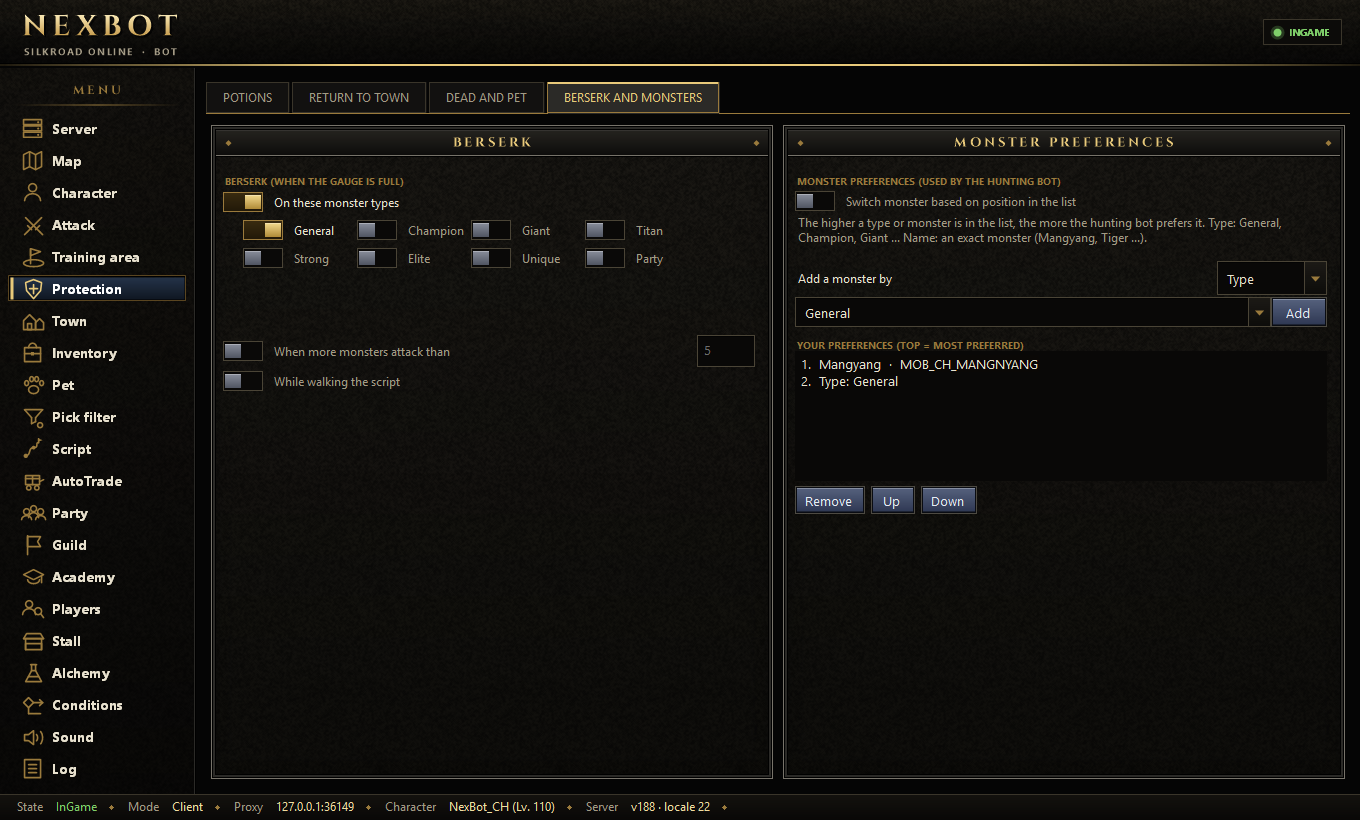
Protection – Berserk and monsters
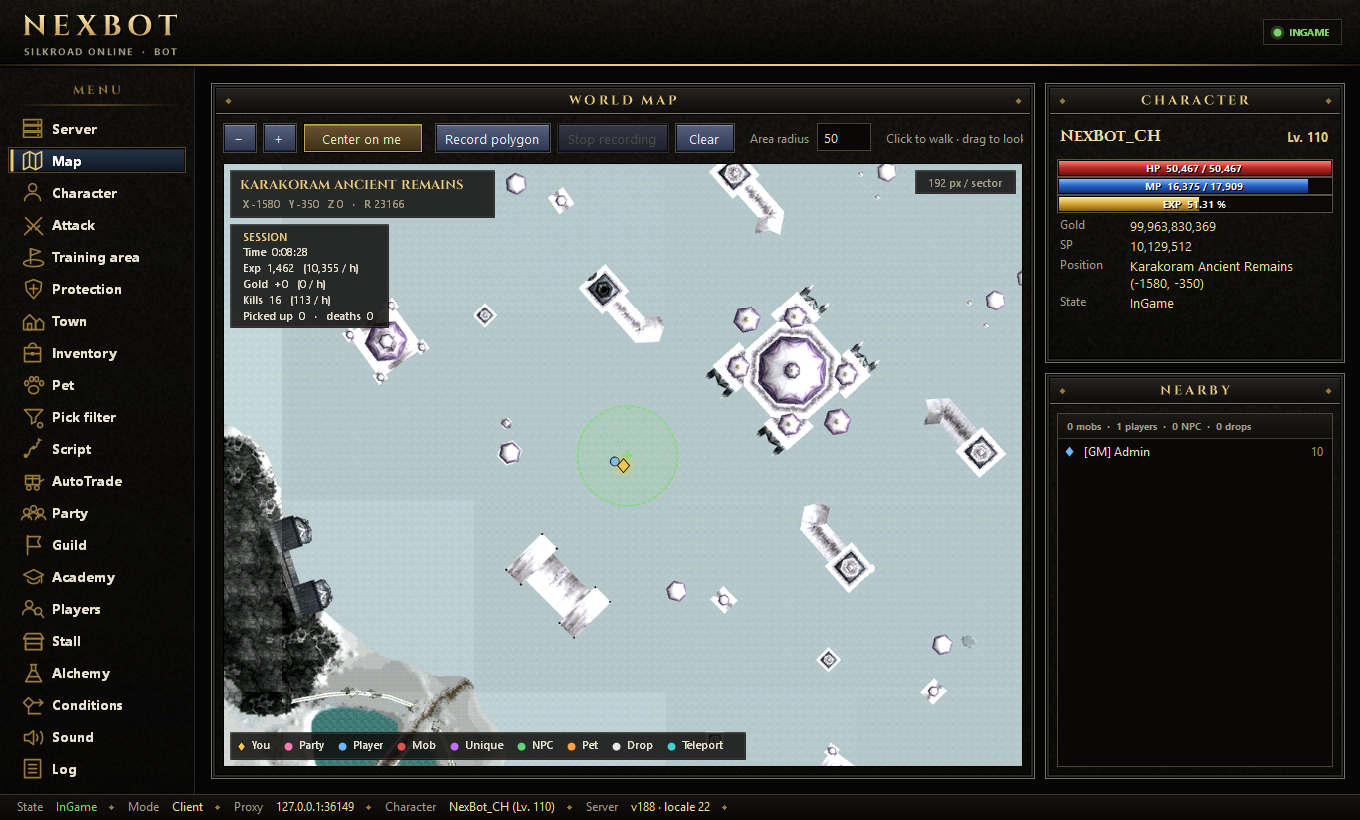
Map
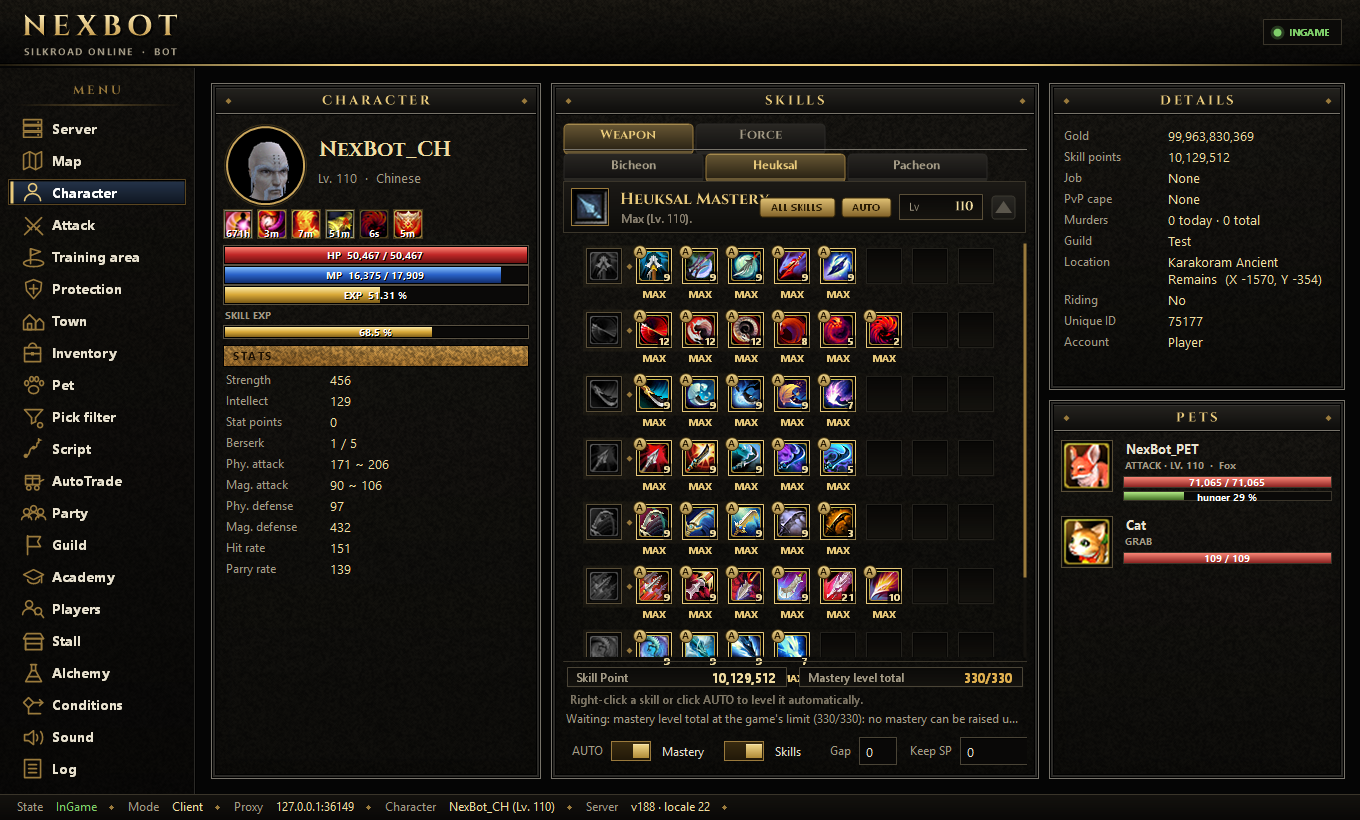
Character
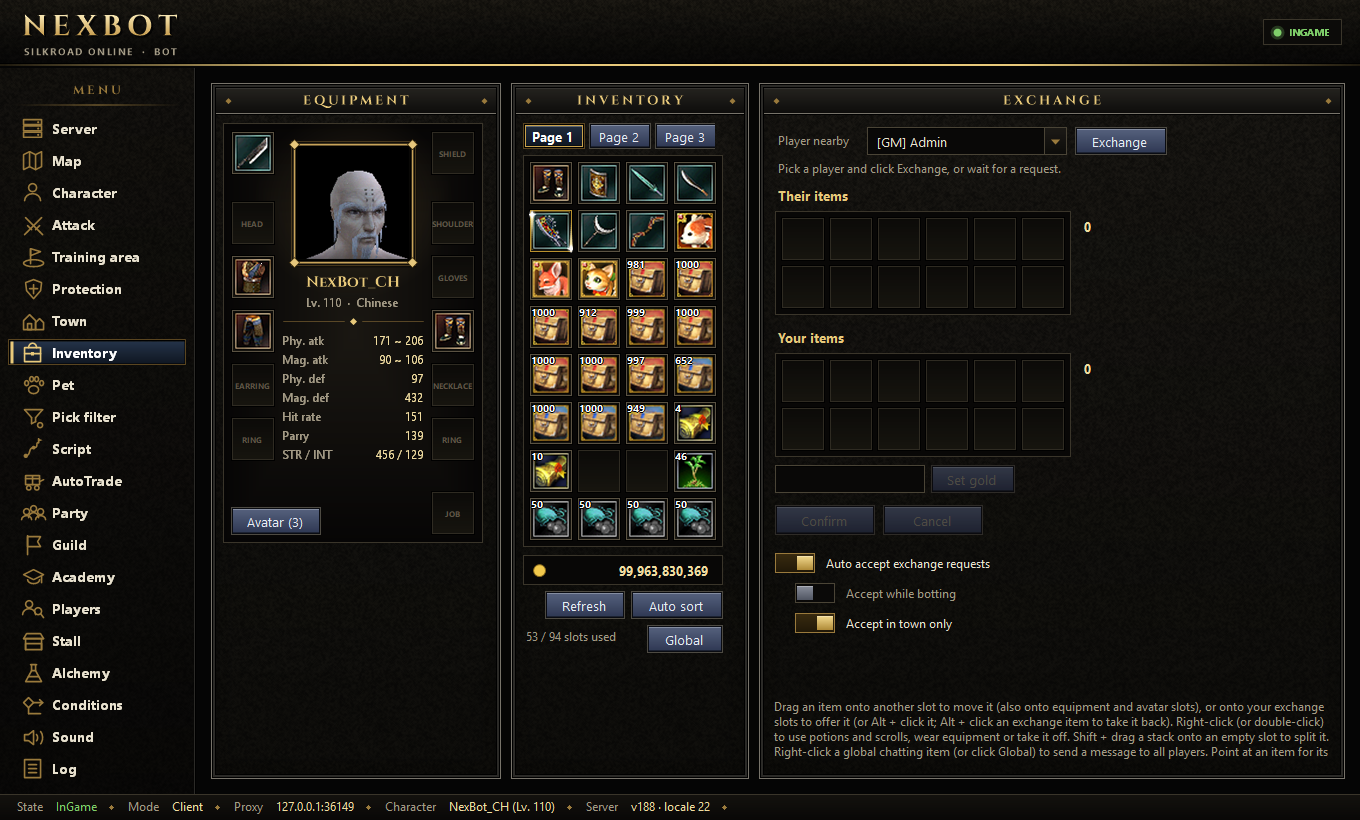
Inventory
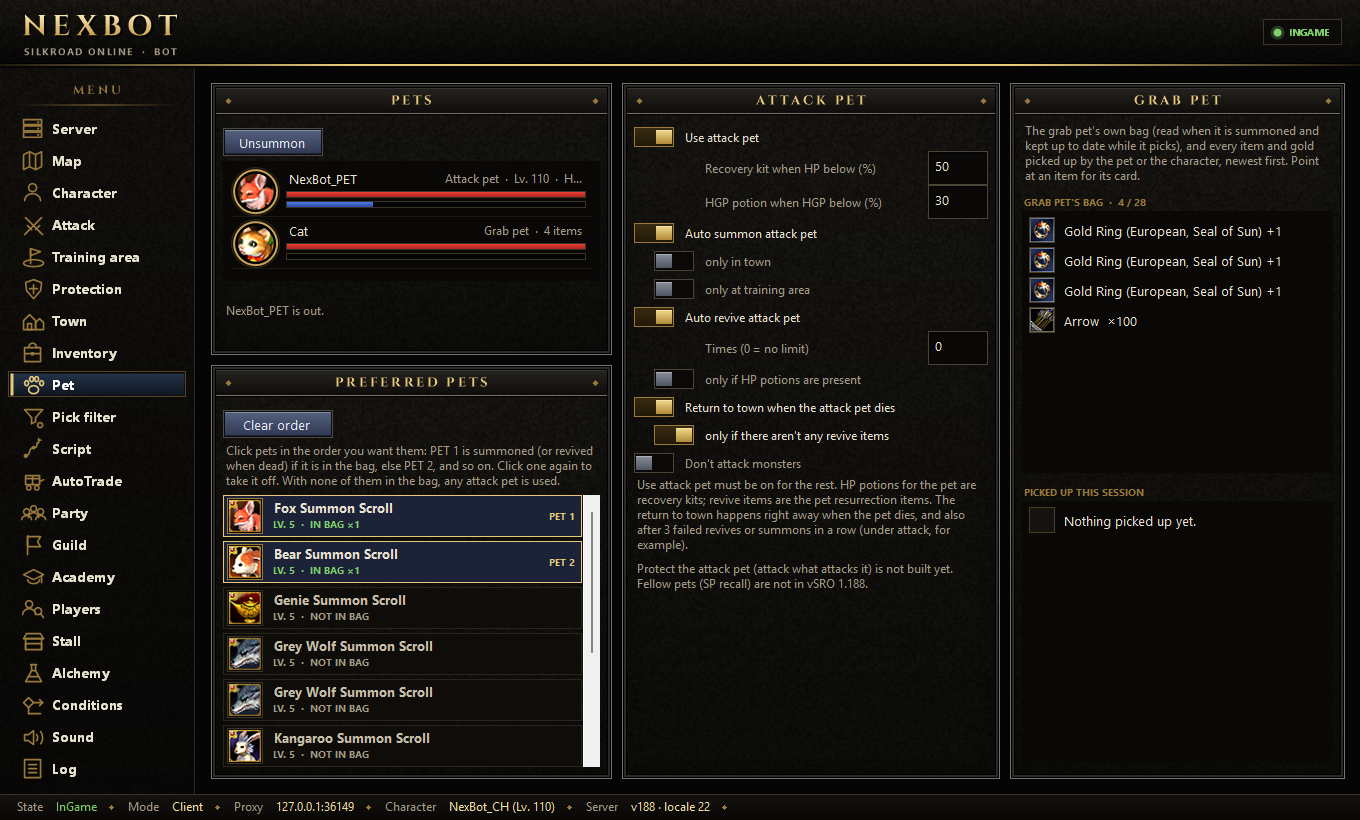
Pet
Town
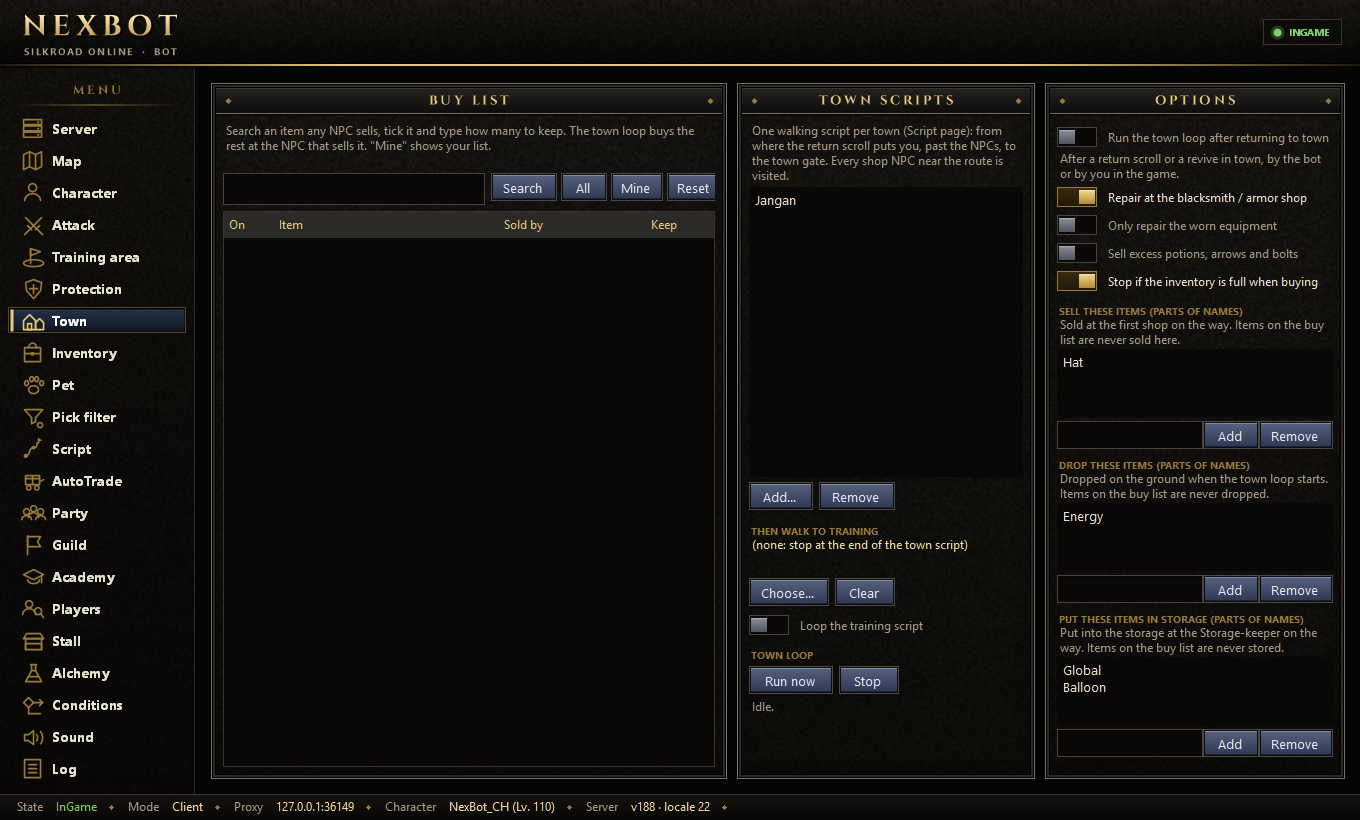
Pick filter
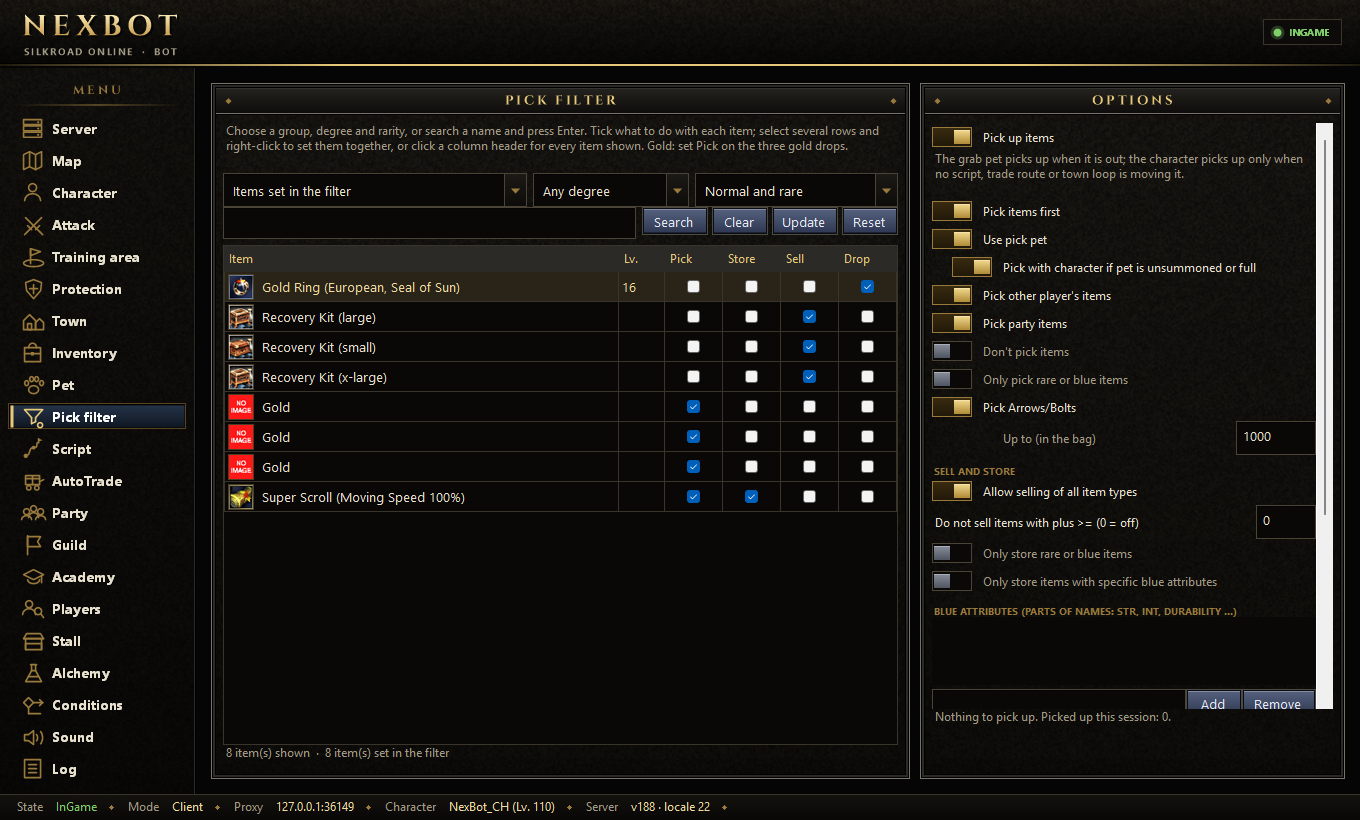
Script
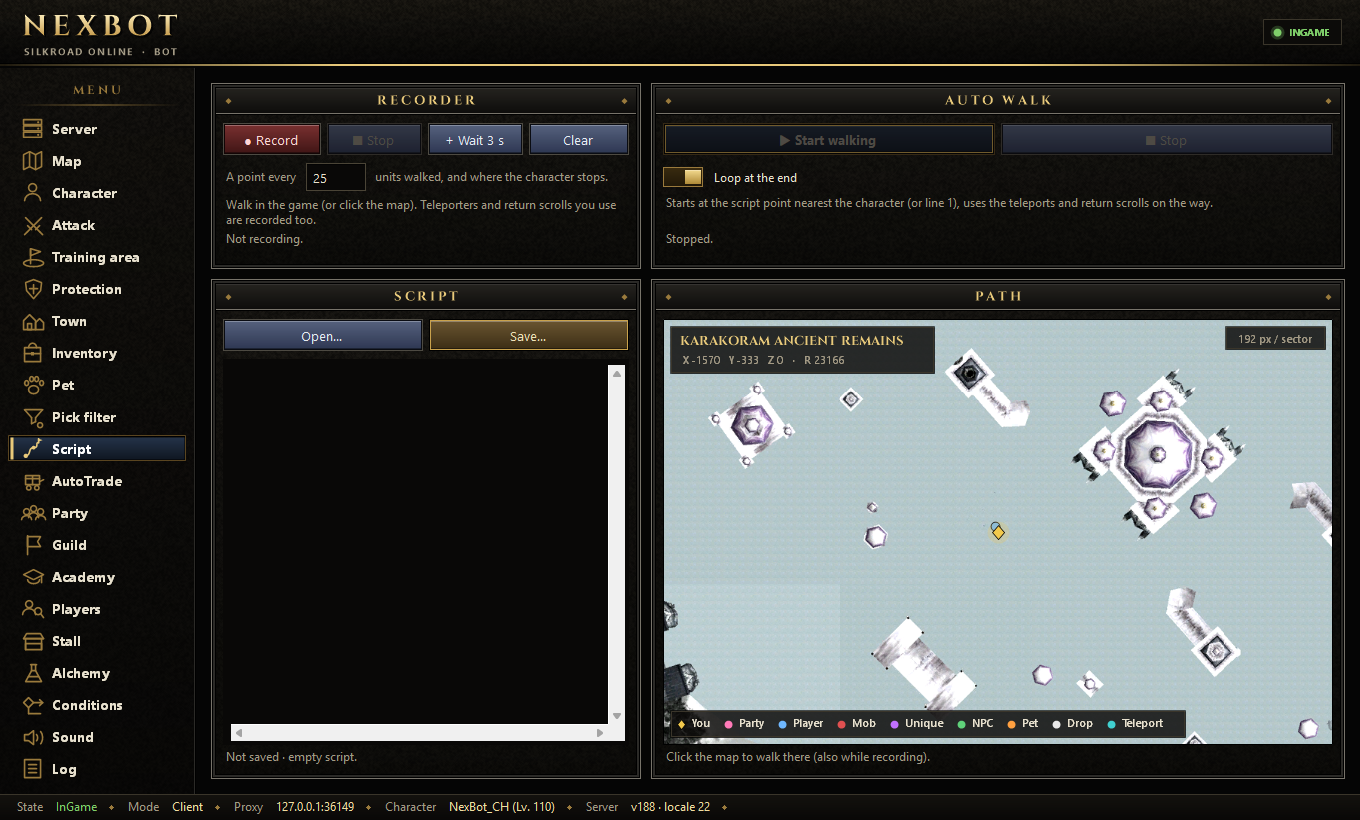
AutoTrade
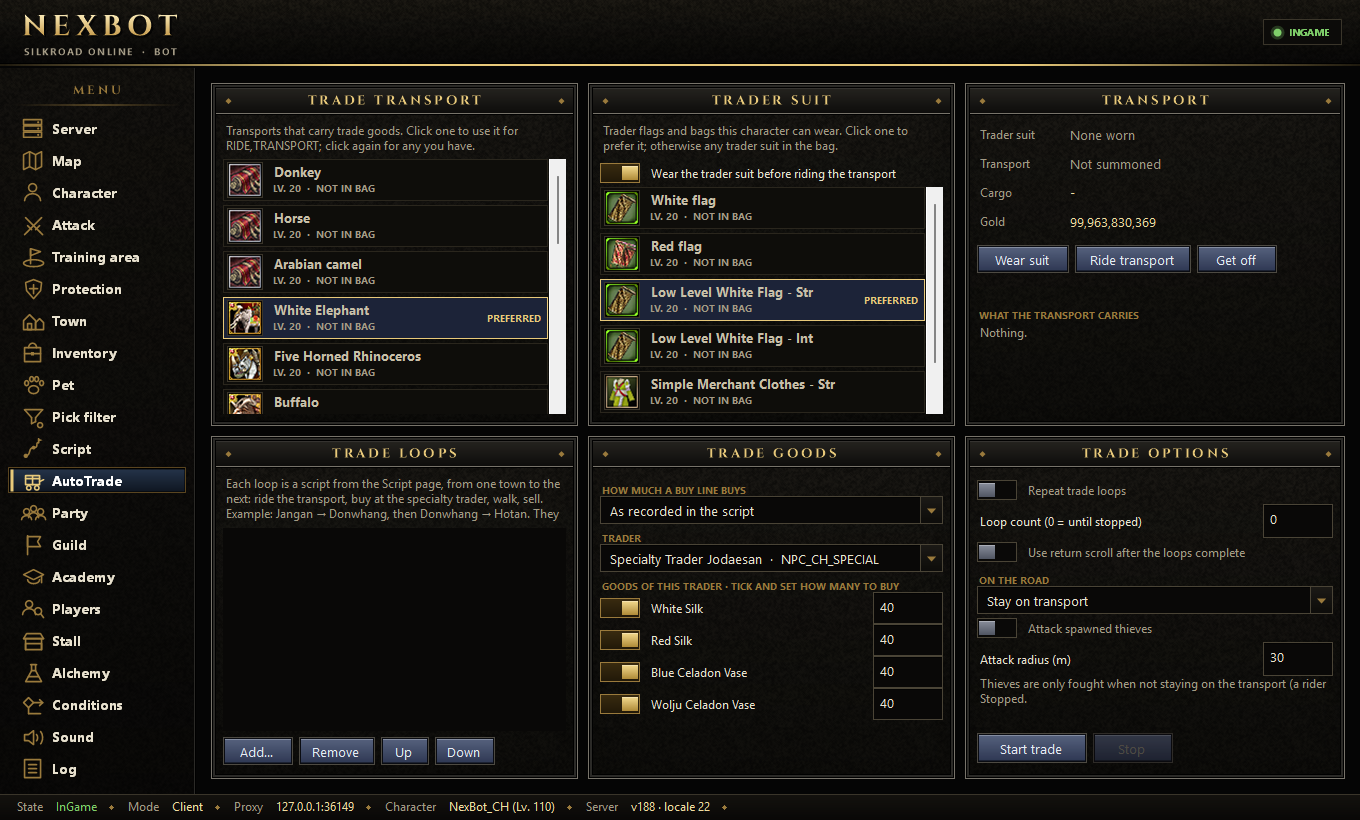
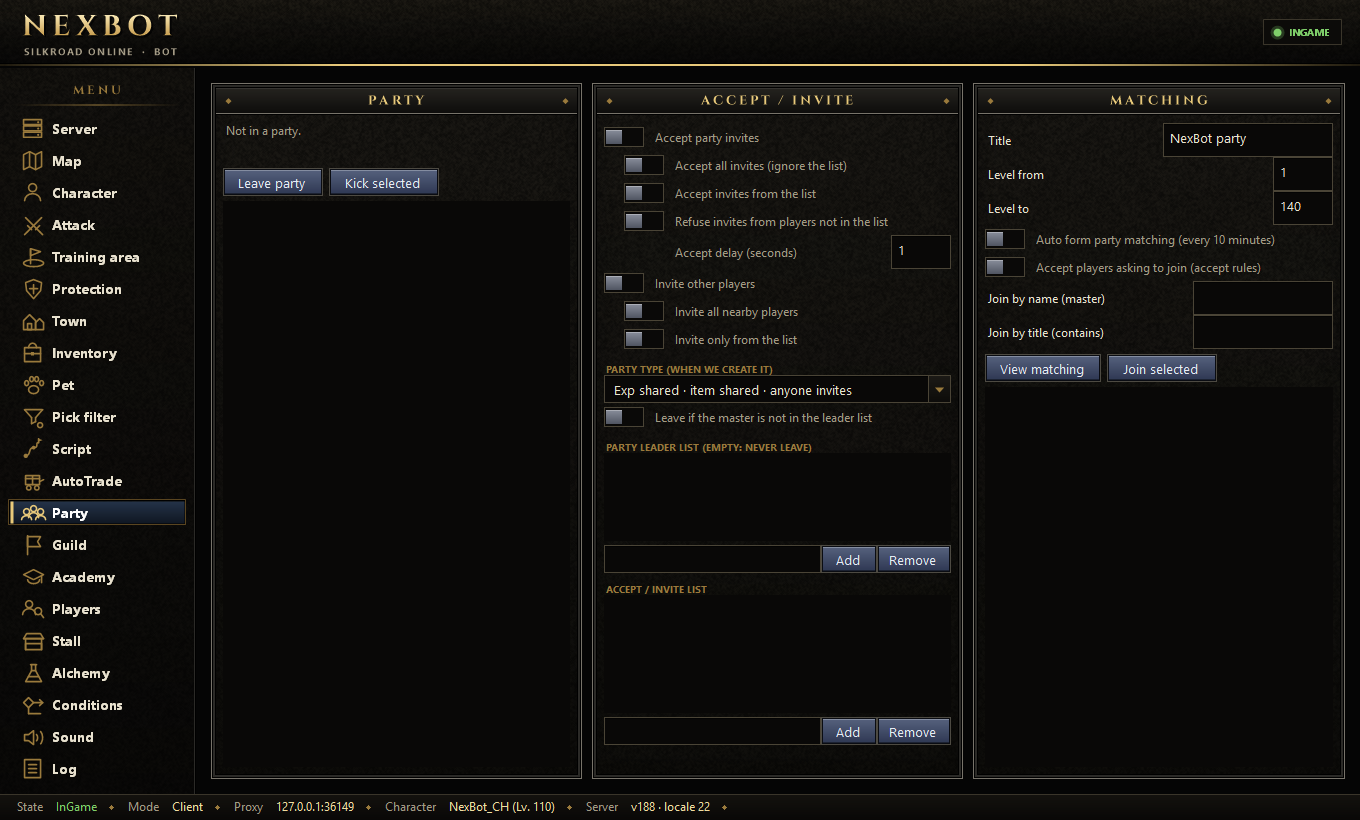
Party
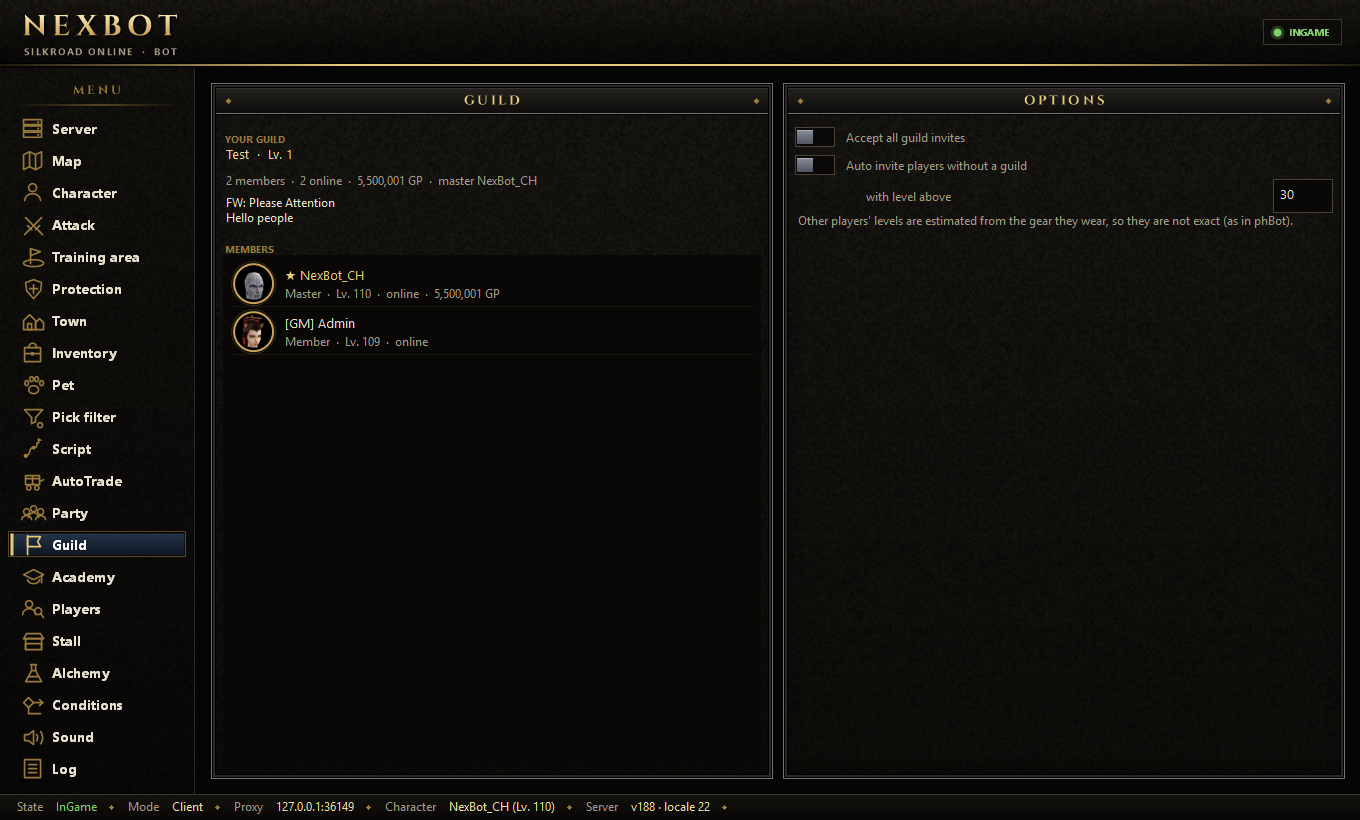
Guild
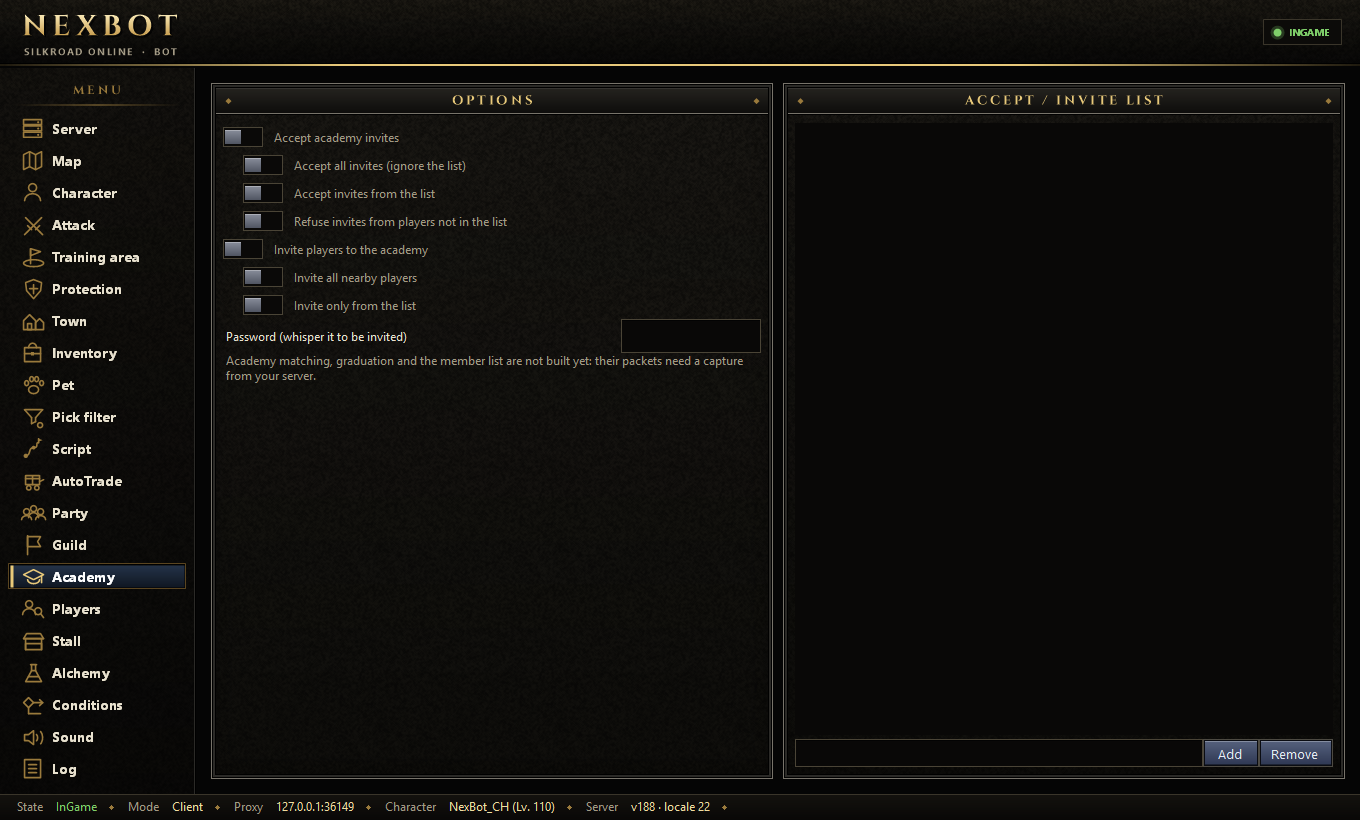
Academy
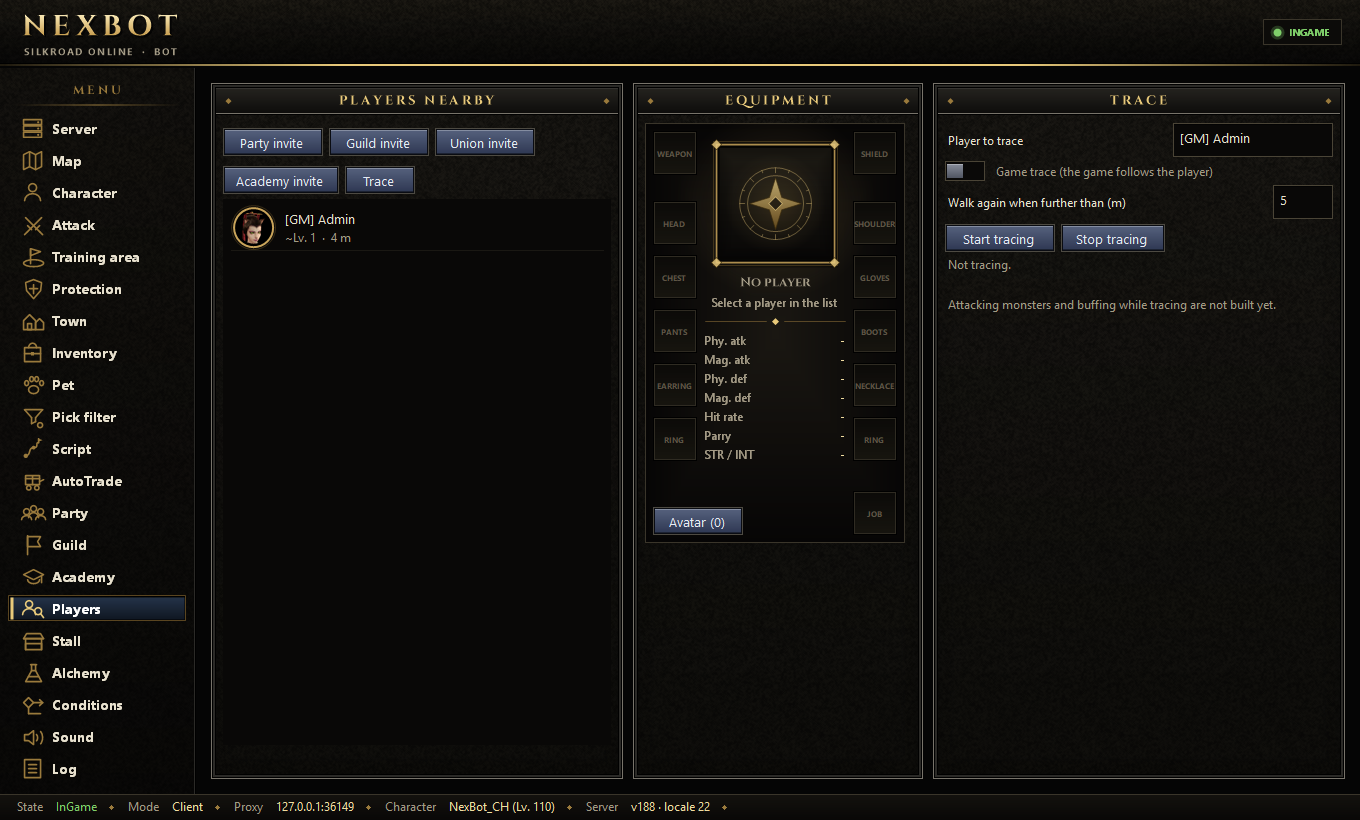
Players
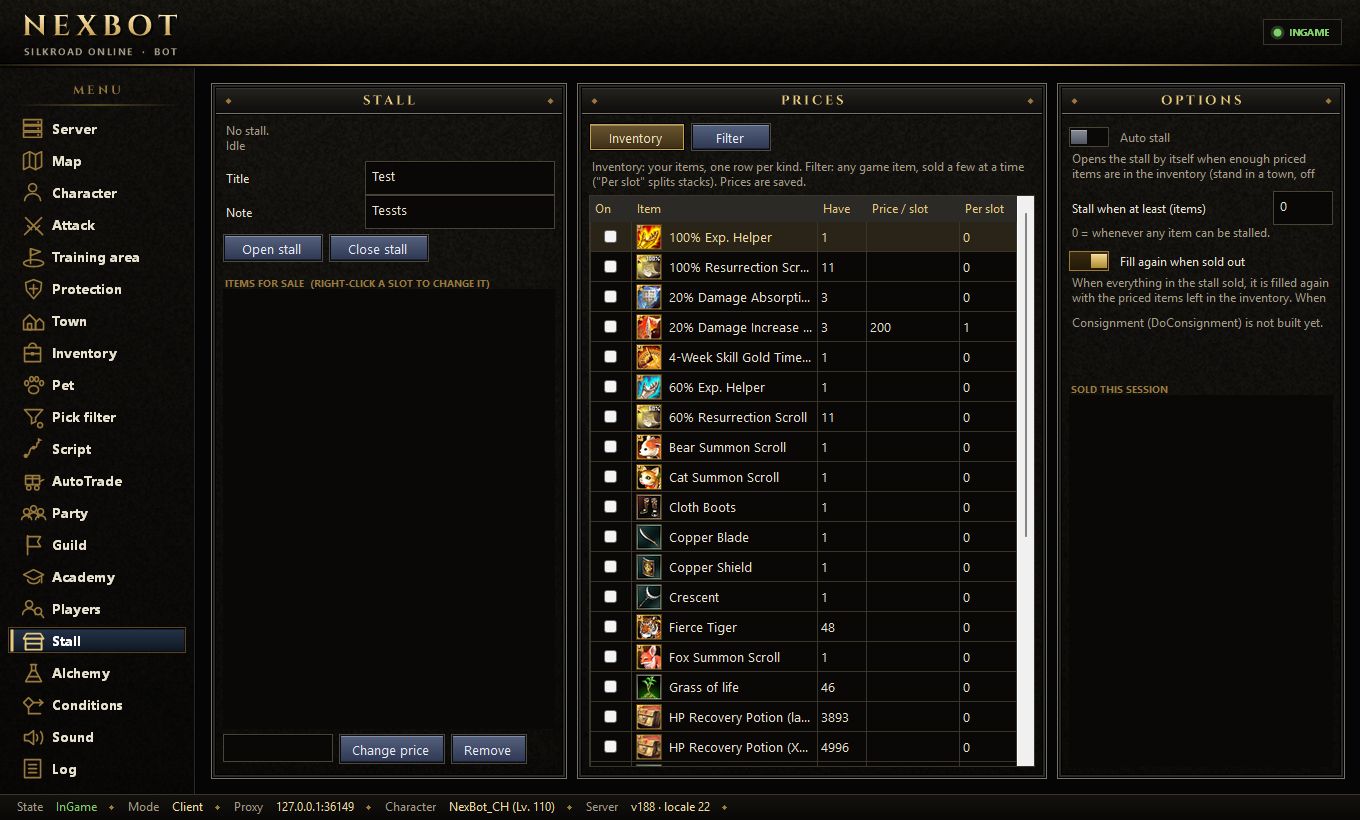
Stall
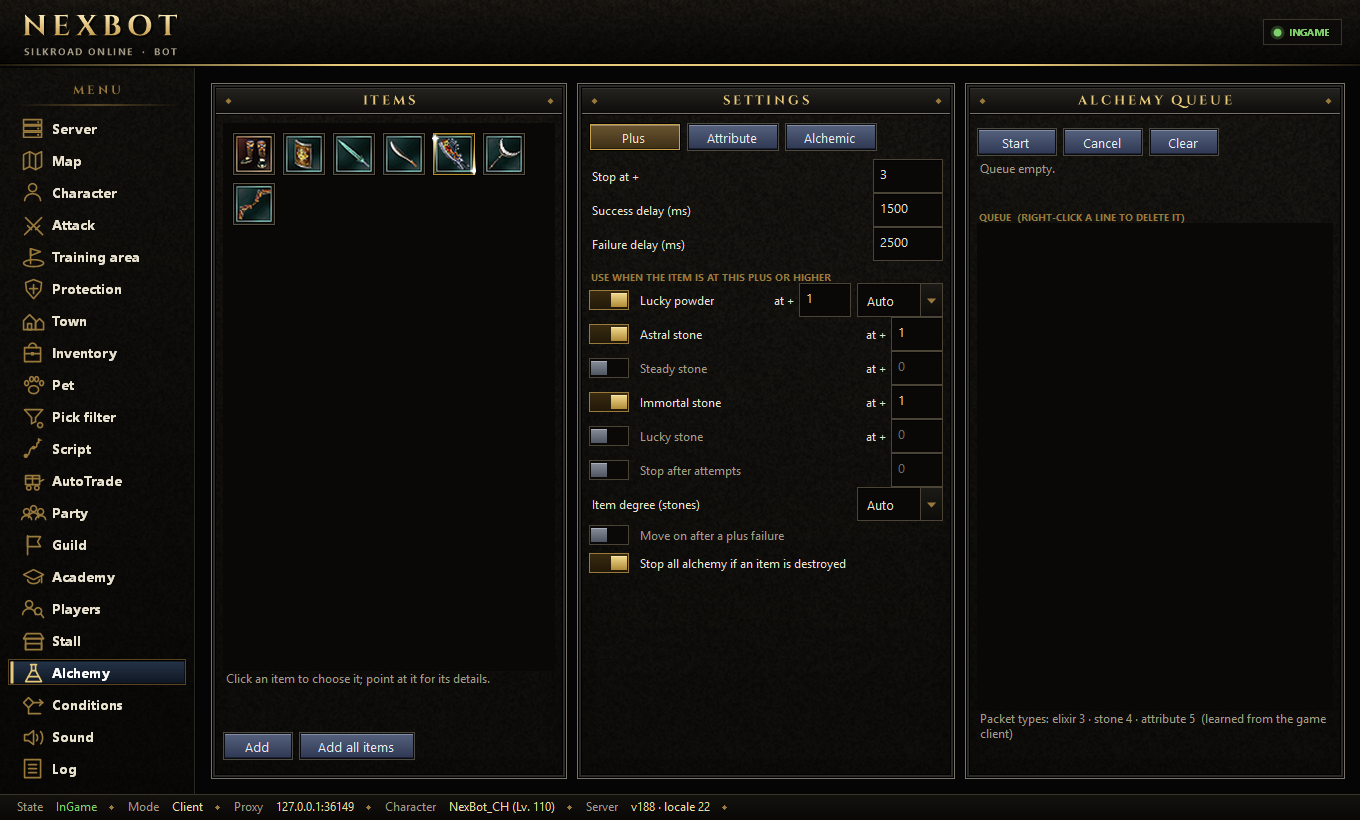
Alchemy
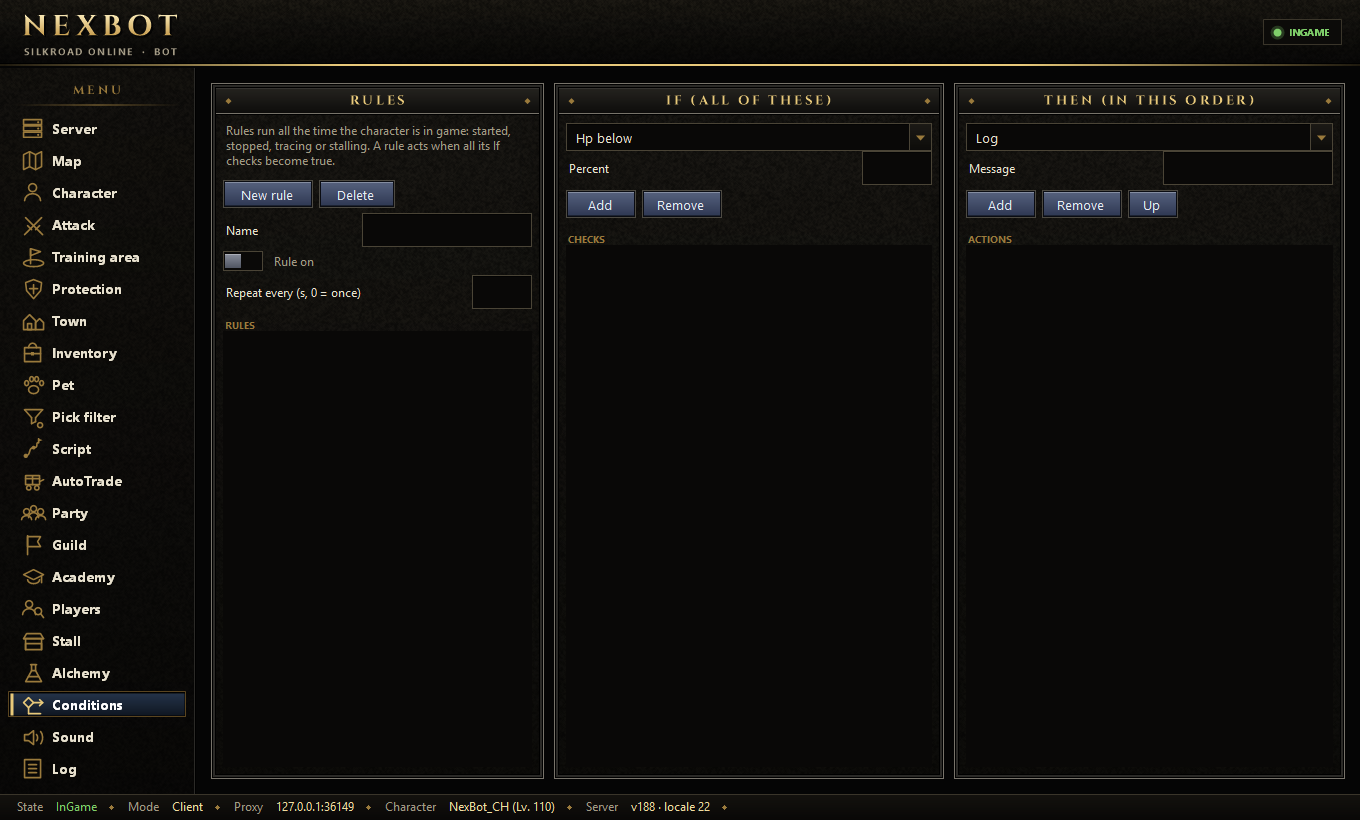
Conditions
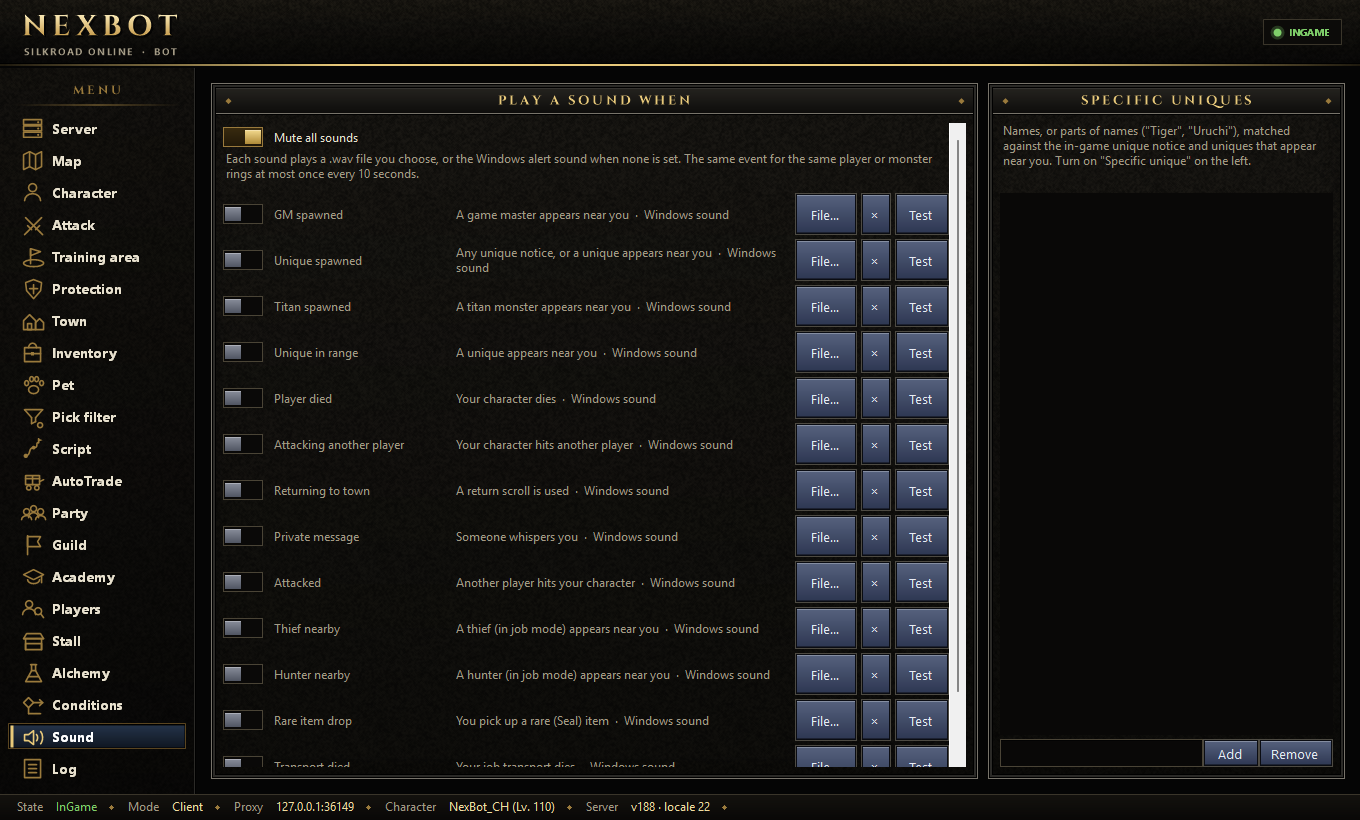
Sound
Attack – Buffs
Attack – Party buffs
Attack – Resurrect
Attack – Healing
Attack – Lure
Attack – Attack log
Training area
Training area – Conditions
Training area – Collision
Training area – Settings
Training area – Script
Protection – Potions
Protection – Return to town
Protection – Dead and pet
Protection – Berserk and monsters
Map
Character
Inventory
Pet
Town
Pick filter
Script
AutoTrade
Party
Guild
Academy
Players
Stall
Alchemy
Conditions
Sound
User guide
Every page of the bot is explained, with screenshots, in the online guide:
https://aomarabdelaziz.github.io/Nex...Bot-Guide.html
Open source: learn and contribute
NexBot is open source. Read the code to learn how a Silkroad bot works: the security handshake, packets, the proxy, pathfinding, the game database and the automation logic. Contributions are very welcome: bug fixes, support for other servers or versions, new features, translations or better docs. Fork it, open an issue or send a pull request.
https://github.com/aomarabdelaziz/NexBot
Built in the AI era: improve it yourself
We're in the AI era, and I developed NexBot with the help of AI coding tools. You can do the same. Open the source in an AI coding assistant, describe the feature you want or the bug you see on your server, and improve it, just as I did. You don't need to be a Silkroad packet expert to start. If you add something useful, please share it back with a pull request so everyone benefits.
Requirements
How to start
Updates
NexBot will stay free. I'll keep improving it and post updates from time to time, whenever I have the time. Bug reports and suggestions in this thread, or issues on GitHub, help decide what comes next.
Notes
Credits
A big thank you to:Their open work made this project possible. Thank you!
Free forever. Feedback, bug reports and suggestions are welcome in this thread.
Tags
Programs-VSro-TopS4a